18+ · Adults only
Uncensored AI Image Generator
Create an image of a fictional adult from a text prompt. Describe the subject, pose and framing, choose a look, then check the credit quote before generating.
How to create an adult AI image
Make a first frame, then use it to plan a second shot.
Write the scene
Describe a fictional adult, then give the pose, crop and direction of light. Name what should stay inside the frame.
Choose the look
Pick a supported style and image size. The studio shows the current credit quote before you generate.
Keep a character
Save a result as a Character. Use that character with a compatible preset when you want to change the pose.
Two looks, two starting prompts
Try these framing exercises with a photo look or an anime style.
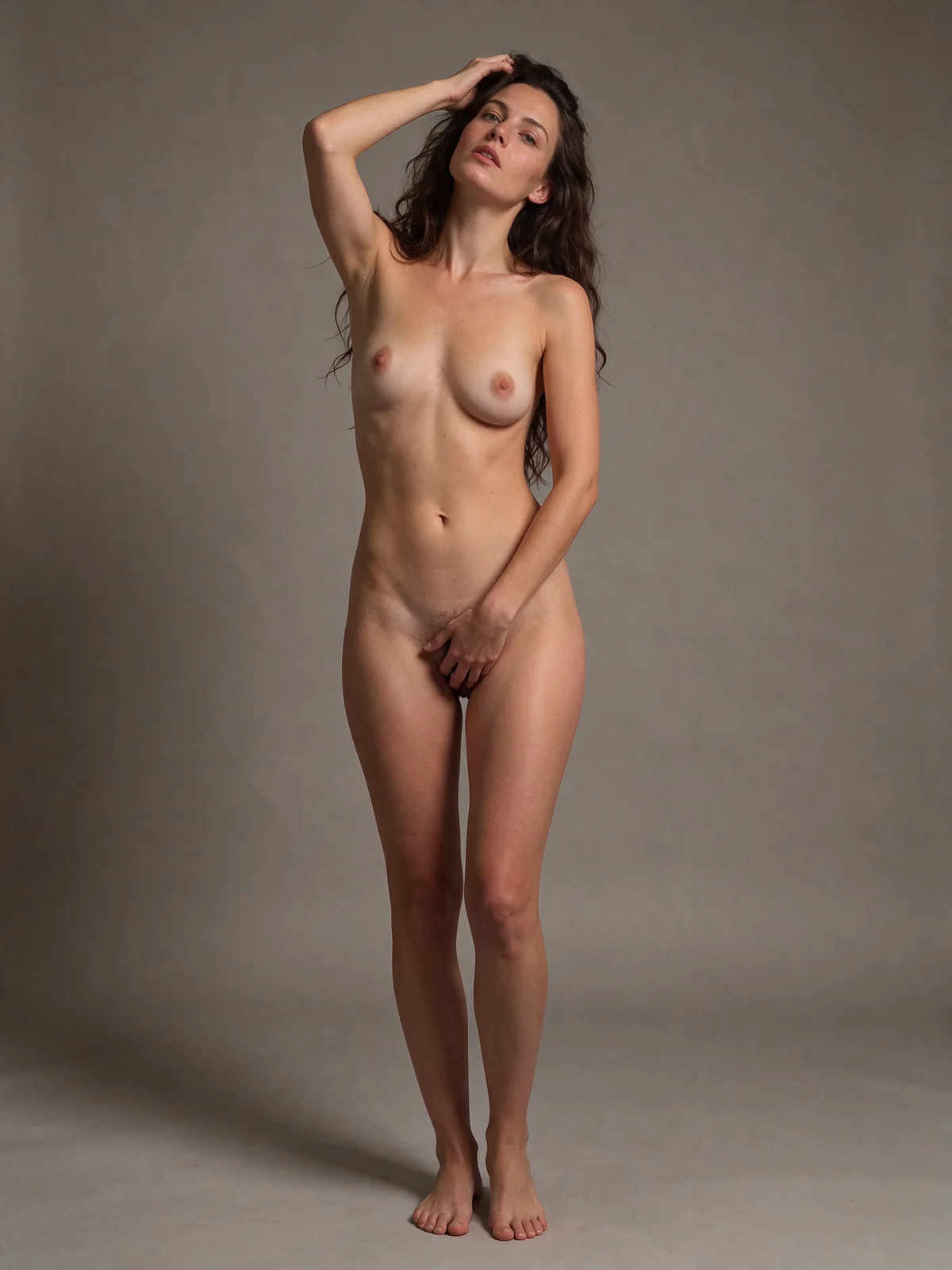
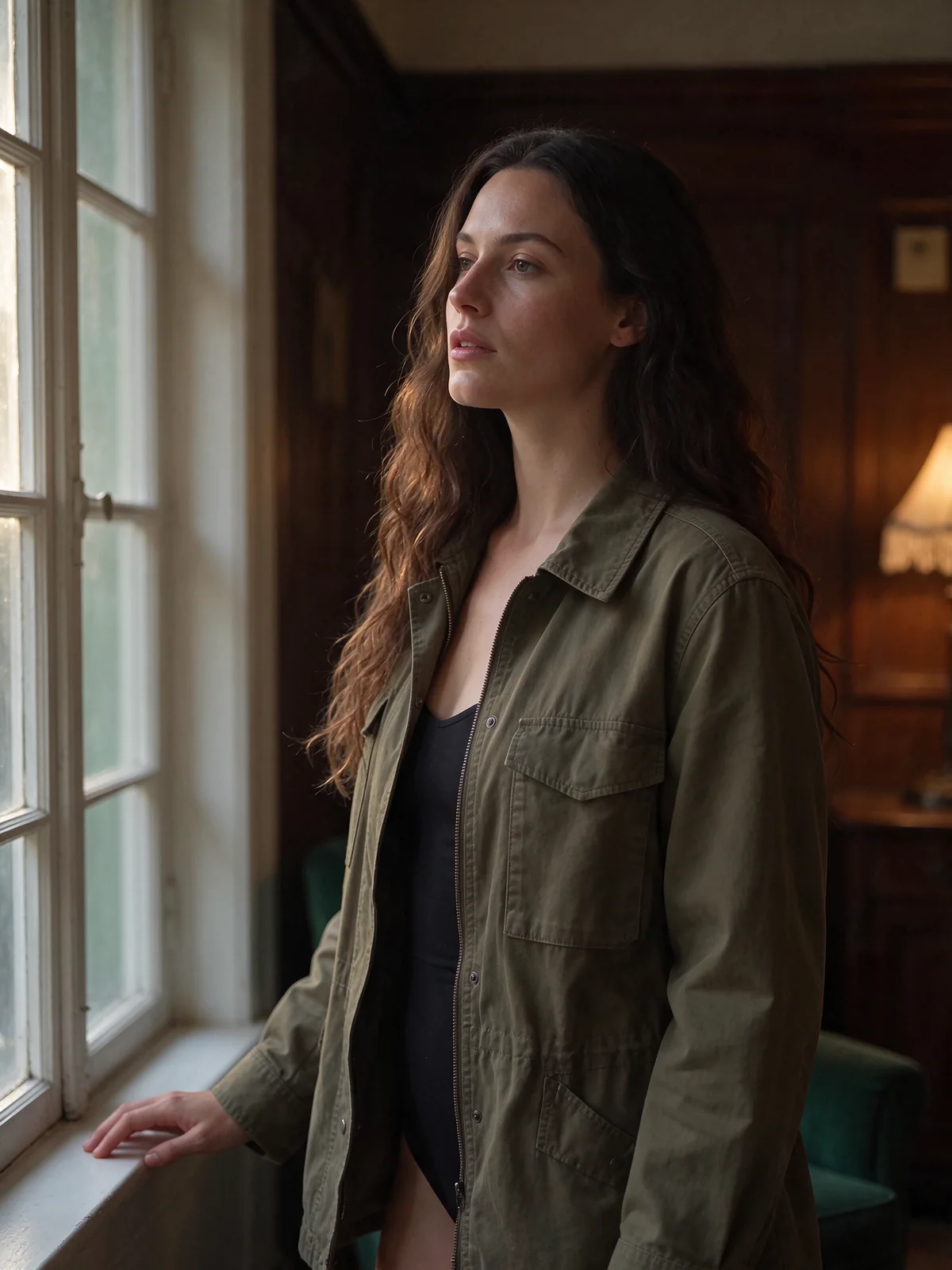
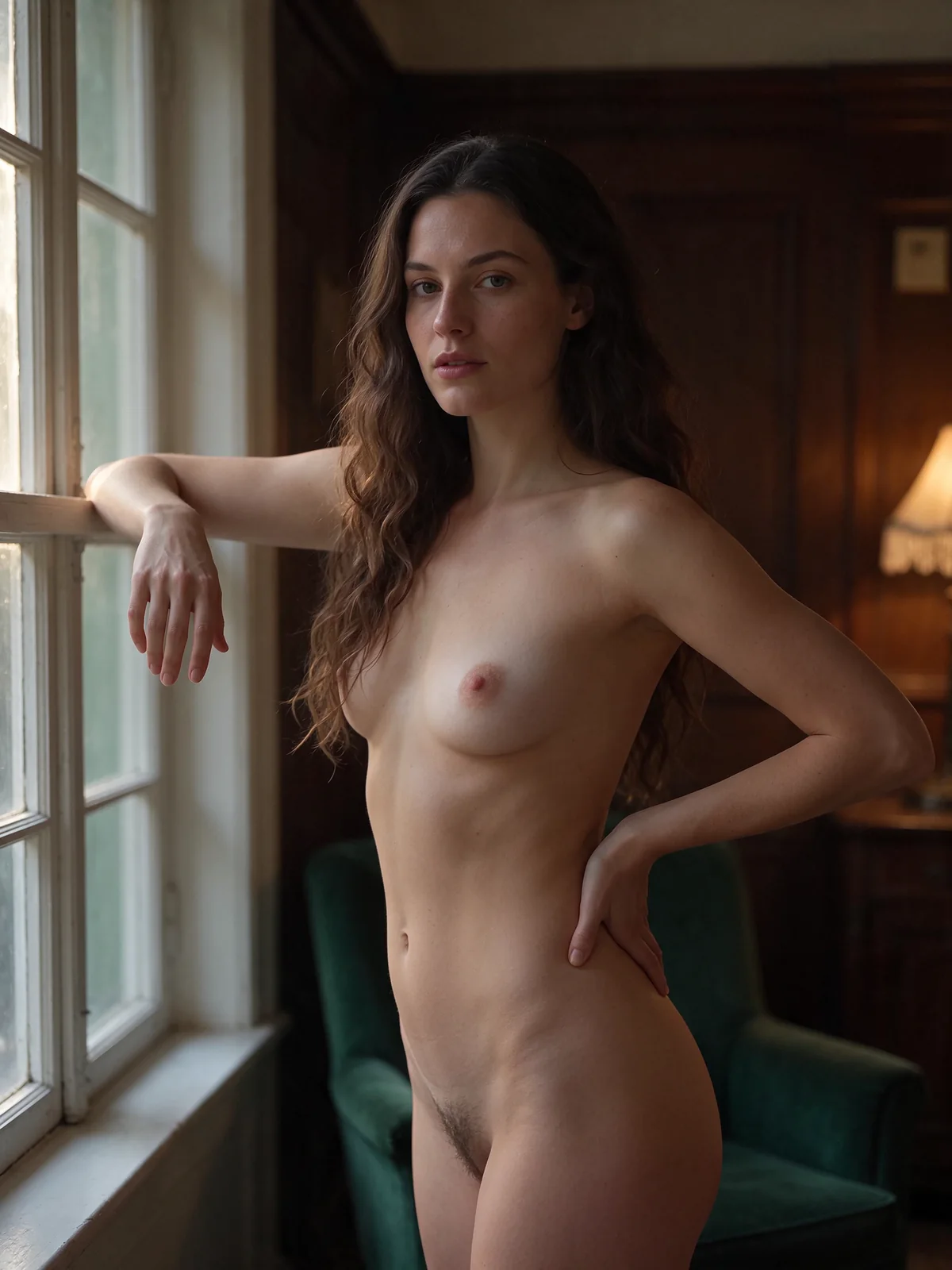
Frame a nude studio portrait
Suggested exampleNude studio portrait of a fictional adult on a warm grey backdrop, one hand between her thighs- What to write
- A nude fictional woman in her thirties, sitting upright on a wooden stool with her hands on her thighs. Warm grey studio backdrop, soft softbox from the left.
- What to check
- Look at the gap between the shoes and the bottom edge. If the feet are cropped, keep the character description and ask for a wider shot on the next run.
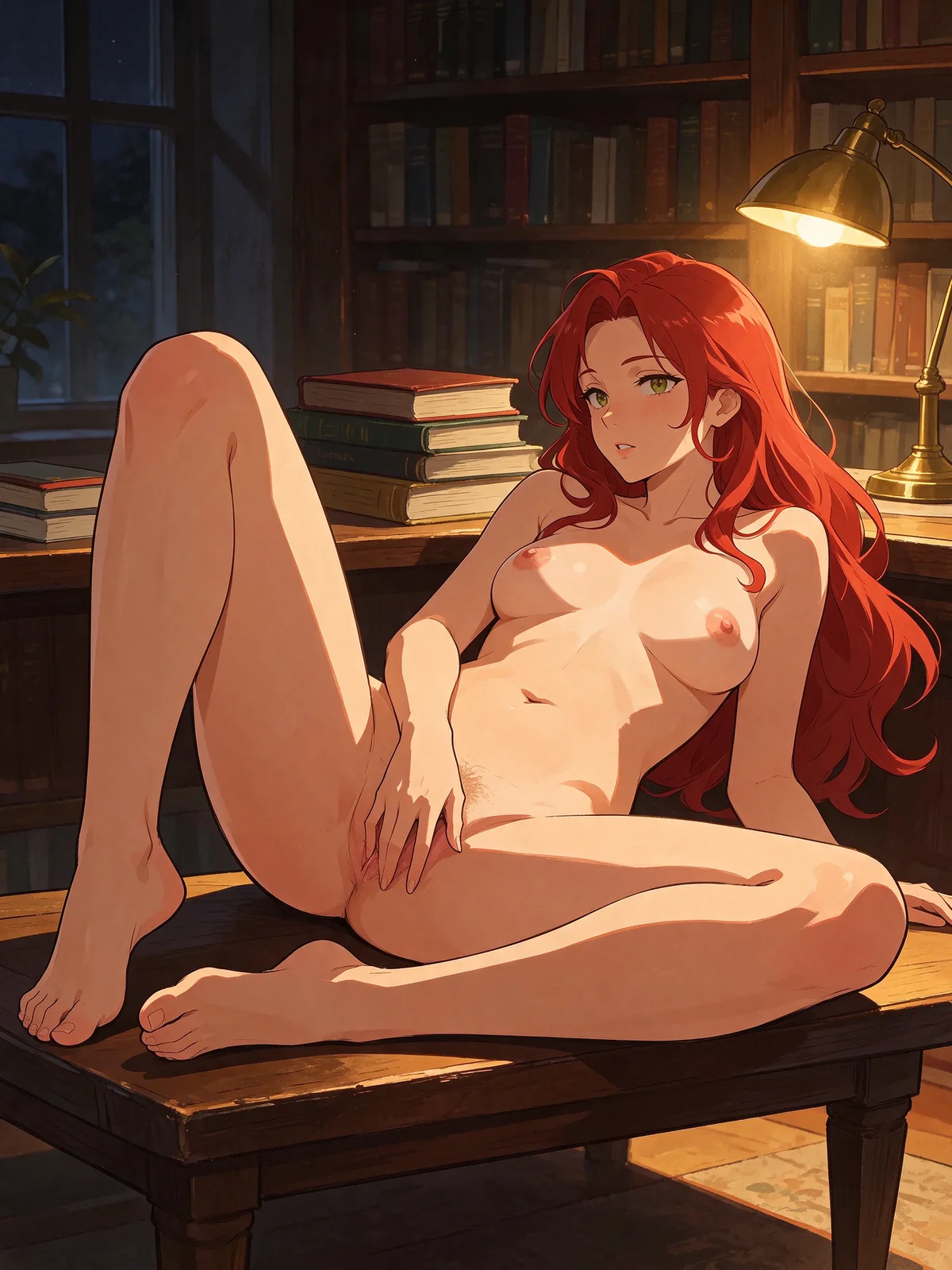
Draw a nude anime scene at night
Suggested exampleAnime illustration of a nude adult reclining on a low bench in a library at night, a hand between her legs- What to write
- Anime illustration of a nude fictional woman with red hair reclining on a wooden bench, one knee raised and her hand between her legs, warm lamp light and shelves behind.
- What to check
- Trace the gaze to the page. If the shelves compete with the face, simplify the background description while keeping the book and the direction of light.
Use a reference for a local edit
Choose a supported image-edit workflow, then select the region to change. Keep the rest of the brief fixed so you can spot unintended changes.
Looks, frame shapes and what changes the price
Three settings decide most of the result: the look, the frame and how many images one run returns.
Pick the look before the details
Photorealistic aims at camera-like skin and light; Studio keeps a clean backdrop and even light; Anime draws a clean outline with flat shading; 3D and Cartoon push the shapes further from a photograph. Describing the light and the lens matters most in the photo looks, and line weight matters most in anime.
Frame shapes
Square suits portraits and profile images, portrait shapes suit full-body scenes, story shapes suit vertical sharing, and landscape shapes leave room for two figures or a wide set. Pick the shape you will publish in, rather than cropping afterwards.
What the quote depends on
The model, the frame size and the number of images in one run. Generating one image first is cheaper to review than requesting six; raise the count only after the scene reads correctly.
Credits for your first image
Verify your email to receive 2 welcome credits. The image studio quotes the chosen model and image count before you generate. Add credits as needed with a one-time pack.
What our own runs showed
Numbers from this studio, including the runs that came back unusable.
- Starter image, 1k
- 2.2 credits per image on Seedream 5.5 — about $0.17–0.22 depending on the pack
- Typical wait
- 30–60 seconds for a 1k still; the quote appears before the run starts
- Single-subject stills that worked
- ten of twelve
- Two-subject stills with a shaft in the prompt
- zero of three on the first attempt — anatomy landed on the wrong body
- Single-subject frames are the reliable path while you are learning the prompt shape.
- A two-body explicit frame needs an anchor: clothing at the waist, a POV angle, or a tight crop.
- Runs that produced no file were not charged on our attempts.
Measured in the LewdPose studio between 2026-11-24 and 2026-11-27.
Common questions
Adults only
You must be 18 or older. See the Content & Safety Policy for rules on likenesses, prompts and reference materials.