18+ · Fictional artwork only
Undressing AI for Fictional Adult Characters
Undress a fictional adult in an image you own: start from a character in a jacket and bodysuit, then edit down to fully nude step by step. Each step is its own edit, so you can stop at any layer and check the hands and jaw before continuing.
Compare the same character before and after
Keep the base outfit, expression and backdrop the same so the change is easy to judge.
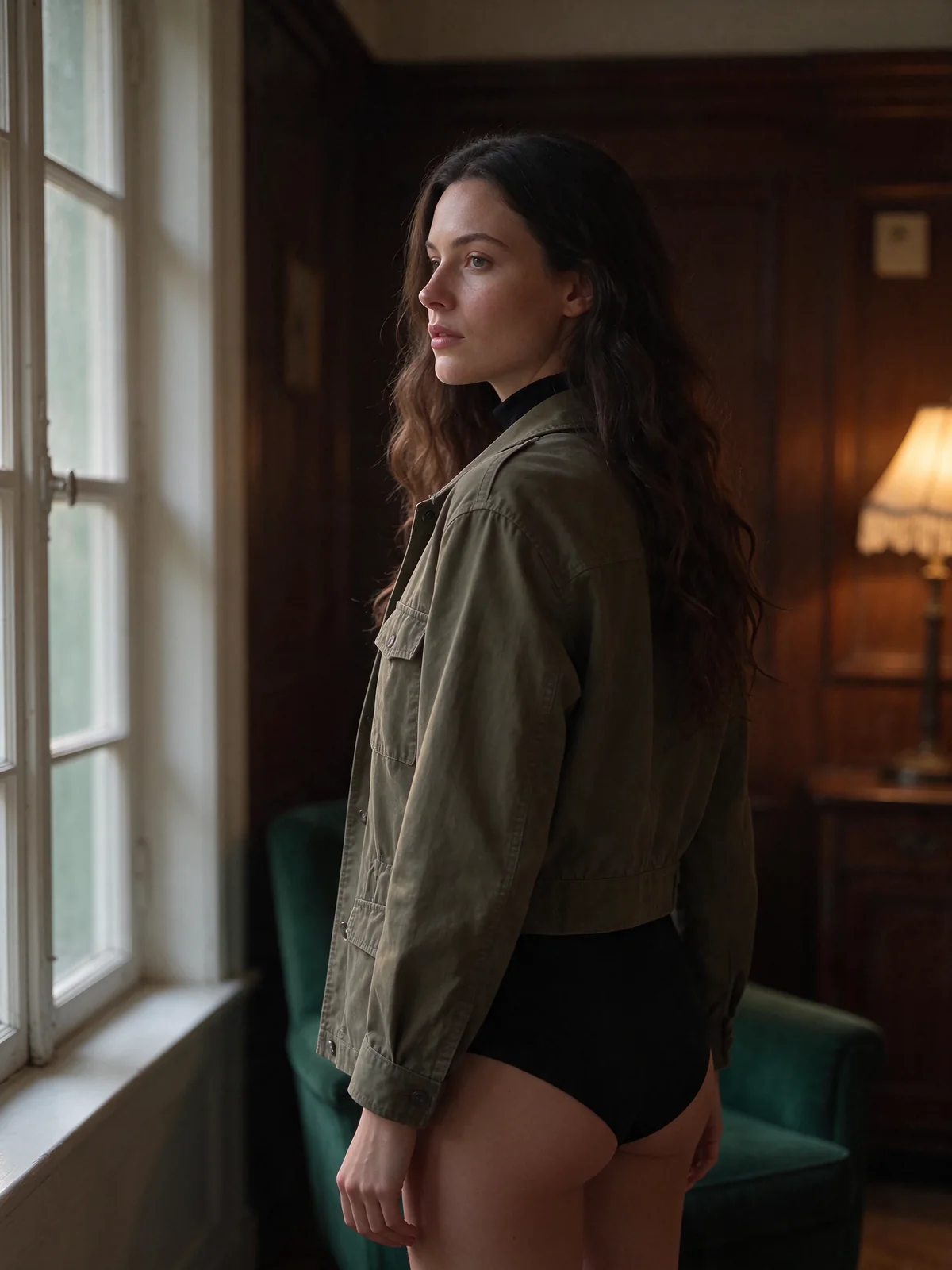
Original · dressed
Dressed starting frameShe stands with her back three-quarters to the window in an open olive jacket over a black bodysuit, light from the left.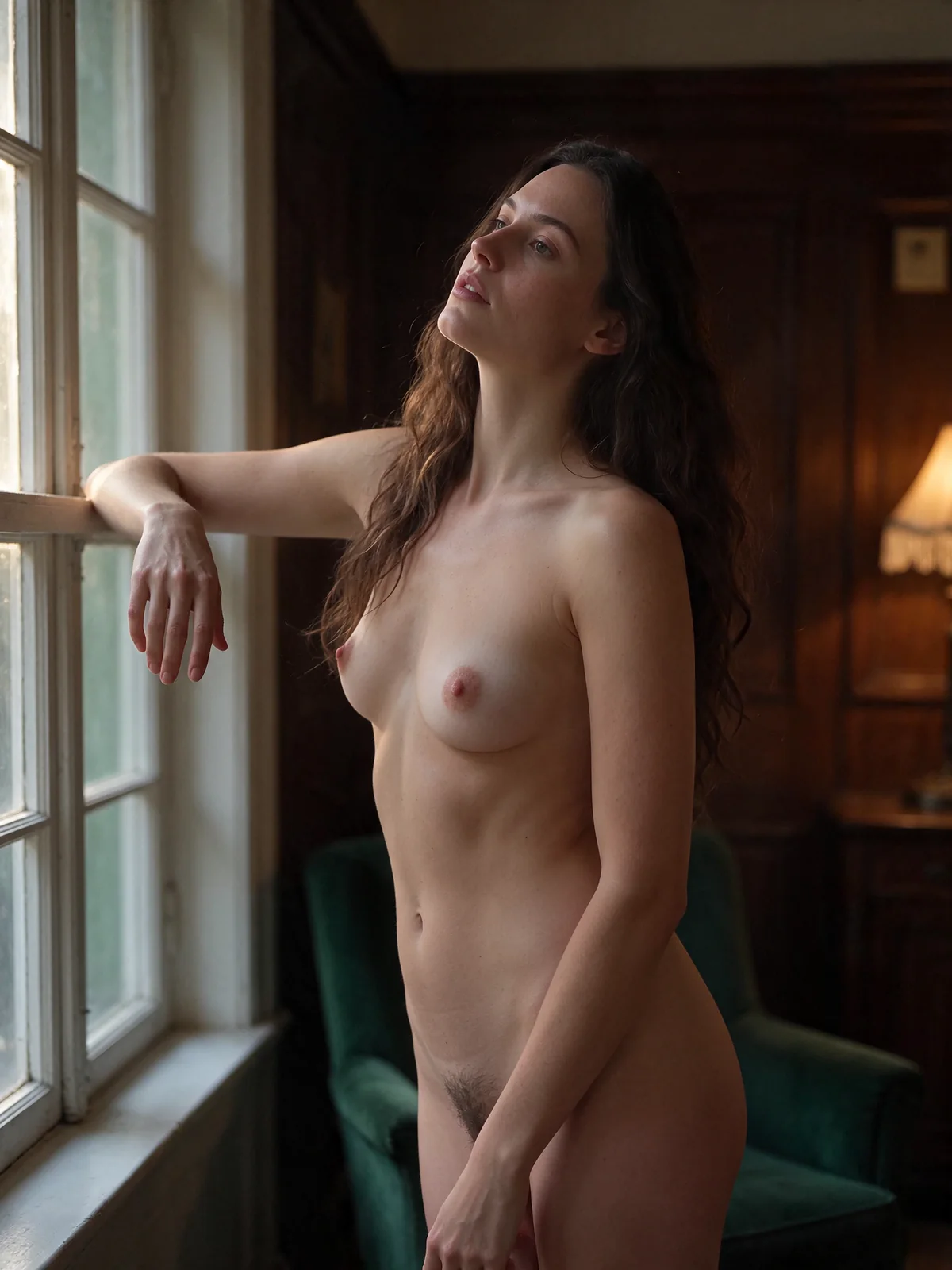
Edit · fully nude
Nude result, same poseSame pose, crop and side light, now completely nude with one hand sliding between her legs.What to check in an undressing edit
Start with a clear outline
Frame from the waist up and leave a little space between the arms and torso. Keep the inner layer visible in the source.
Compare at the same crop
Use the eyes and elbows to line up both versions. Check the collar, background and shape around the shoulders.
Follow the light
Look for consistent shadows around the shoulder where the jacket was. Newly visible details are generated by the edit.
Create a fictional source portrait
Describe the character, outfit and light in the image generator. Read the Content & Safety Policy before creating or editing reference material.
Two prompts for the same frame
The source image drives the edit. Write the change once and keep everything else identical, so the comparison is about the clothes and not about a new pose.
Source frame
Fictional adult in an open olive utility jacket over a black high-neck bodysuit, standing three-quarter to camera, hands relaxed at the sides. Soft light from the left, plain clay wall, waist-up framing.
Keep the left sleeve seam and cuff clearly visible so the edit has an edge to follow.
Edit · fully nude
Remove only the olive jacket. Keep the black bodysuit, the pose, the hands, the waist-up crop, the plain clay wall and the light from the left unchanged. No new jewellery, no change of expression.
Compare shoulder line, collar and shadow direction against the source at the same size.
Where this workflow stops
This is an undressing study on authorized artwork of a fictional adult, not a tool for altering photographs of real people. If the source is a photo, the workflow is the wrong one. The edit also changes more than clothing when the prompt is vague: hands, hair and background drift first, so name what must stay the same as explicitly as what must change.