
18+ · Character and pose
AI Pose Generator for Your Characters
Choose the pose first, then pair it with a fictional adult character or an eligible image. Start from text when you want to describe a pose yourself.
How to change a character’s pose
Keep the same subject while you try a different silhouette or camera angle.
Select the pose
Browse compatible image or video templates. Choose the pose and scene you want to start with.
Choose the subject
Pair the preset with a saved Character or an eligible image from the workspace.
Review and generate
Check the quote before you submit. Compare the new pose and recognizable features with the source.
Compare the same character in two poses
Keep the subject, lens and lighting consistent. Make the silhouette the one change you want to judge.
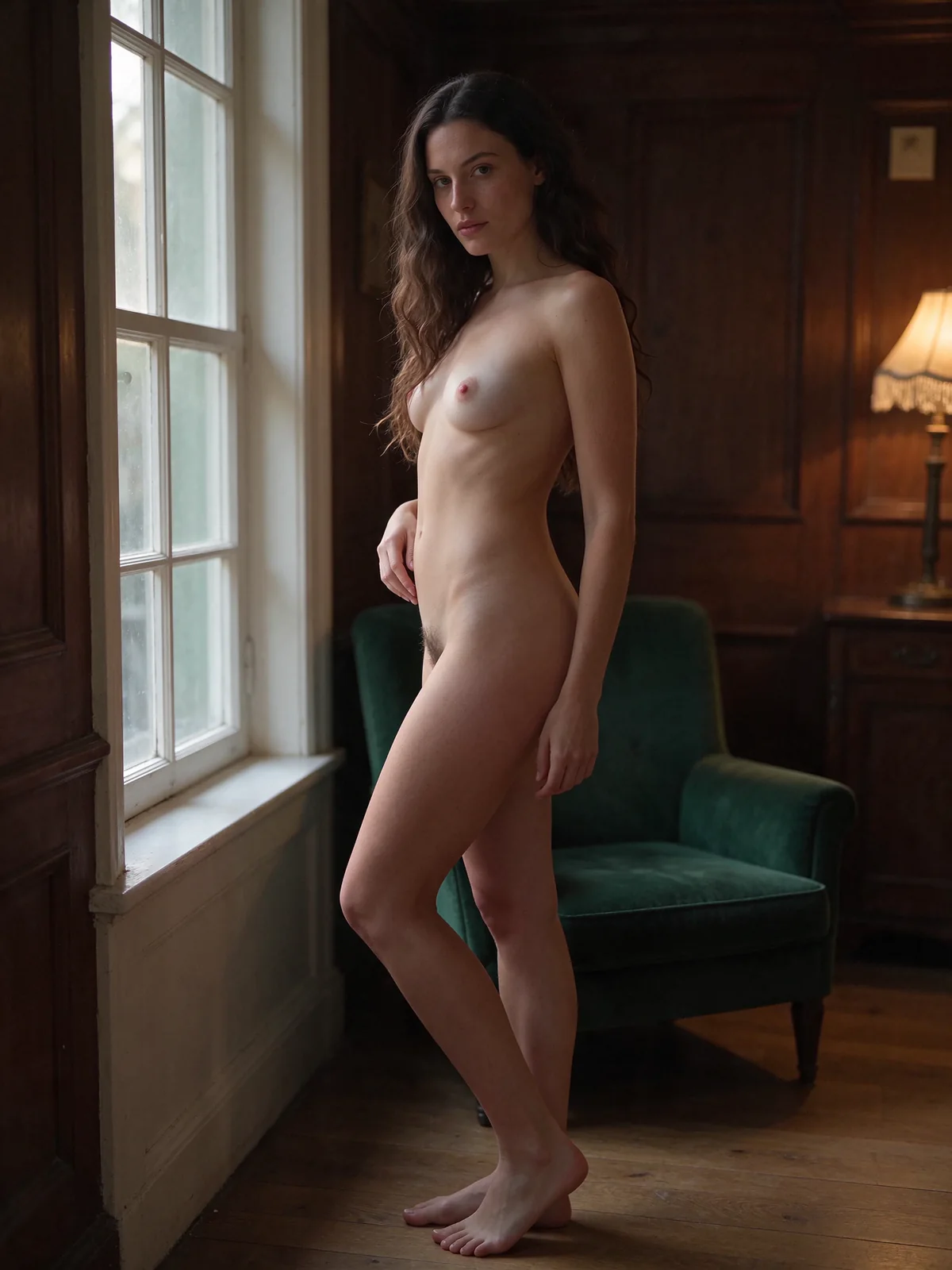
Seated upright
Suggested first frameA fictional adult in a black satin dress seated upright in a burgundy velvet armchair, both forearms on the armrests, both feet on the floor.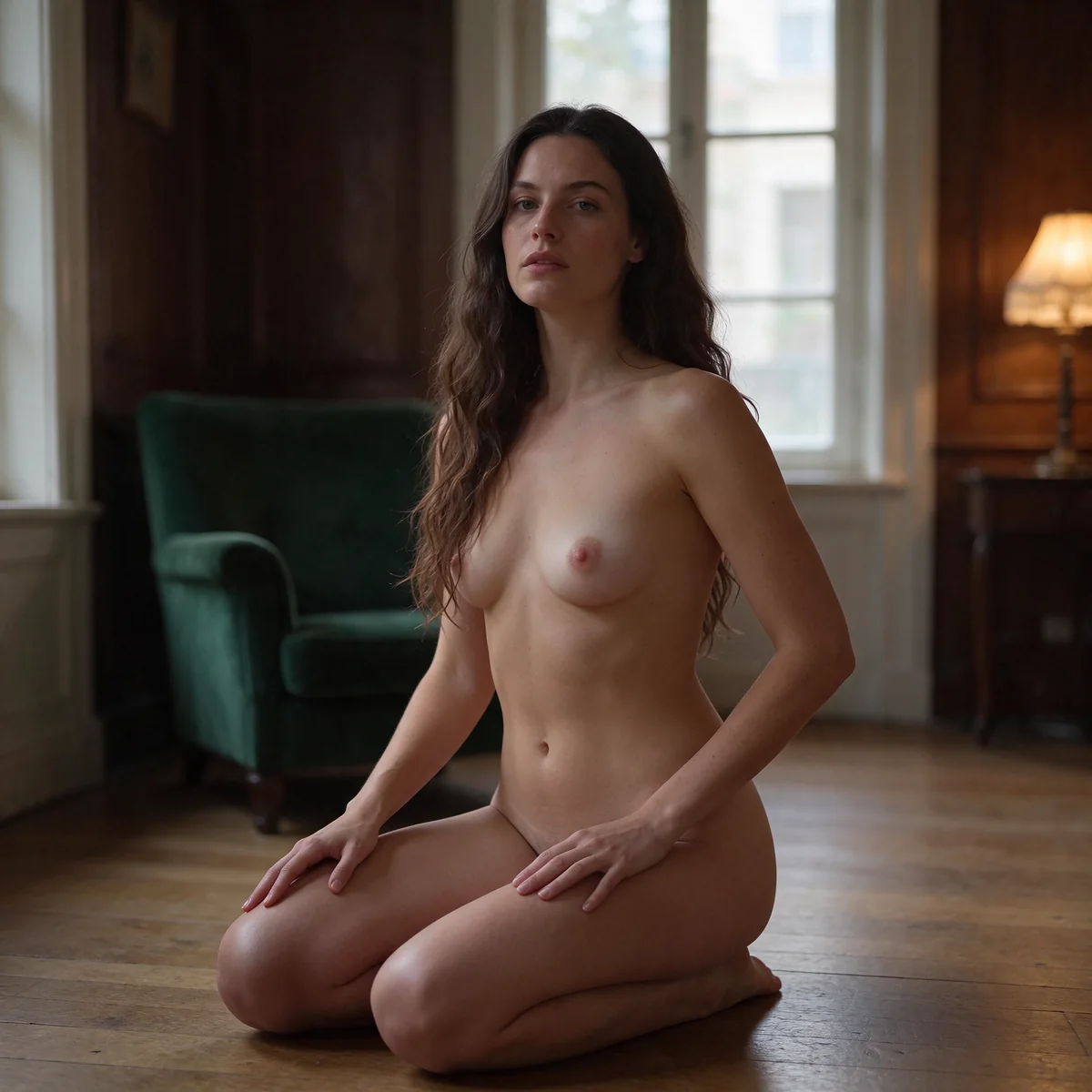
Standing three-quarter turn
Suggested second frameThe same character in the same dress and light, standing at a three-quarter angle beside a tall window, one hand on the sill.To describe a pose from a drawing, name the points of contact first. In the seated frame, both feet meet the floor and each forearm rests on an armrest. In the standing frame, one hand takes the window sill and the other hangs free. The outfit, lens and lamp behind the character stay the same, so only the silhouette changes.
Browse pose references