18+ · Adults only
Uncensored AI image editor
Open Image Studio and choose a compatible image from your account. Use Paint an area for a local edit, or Edit whole image for a change across the frame. See the credit quote before generating.
- Free sign-in
- Credit quote before you generate
- Failed renders refunded
How it works
3 steps from a blank page to a first result.
Choose a saved image
Sign in to Image Studio and pick a compatible finished image from your account. Use authorized artwork featuring fictional adult characters.
Set the scope and describe the change
For one detail, choose Paint an area and brush over it directly on the image. For a scene-wide change, choose Edit whole image. In either mode, describe what you want to change and name the details you want to keep.
Review credits, then compare
Check the credit quote before generating. Compare the result with the source, paying special attention to the edge of a painted edit or to the framing and subject after a whole-image edit.
Example briefs
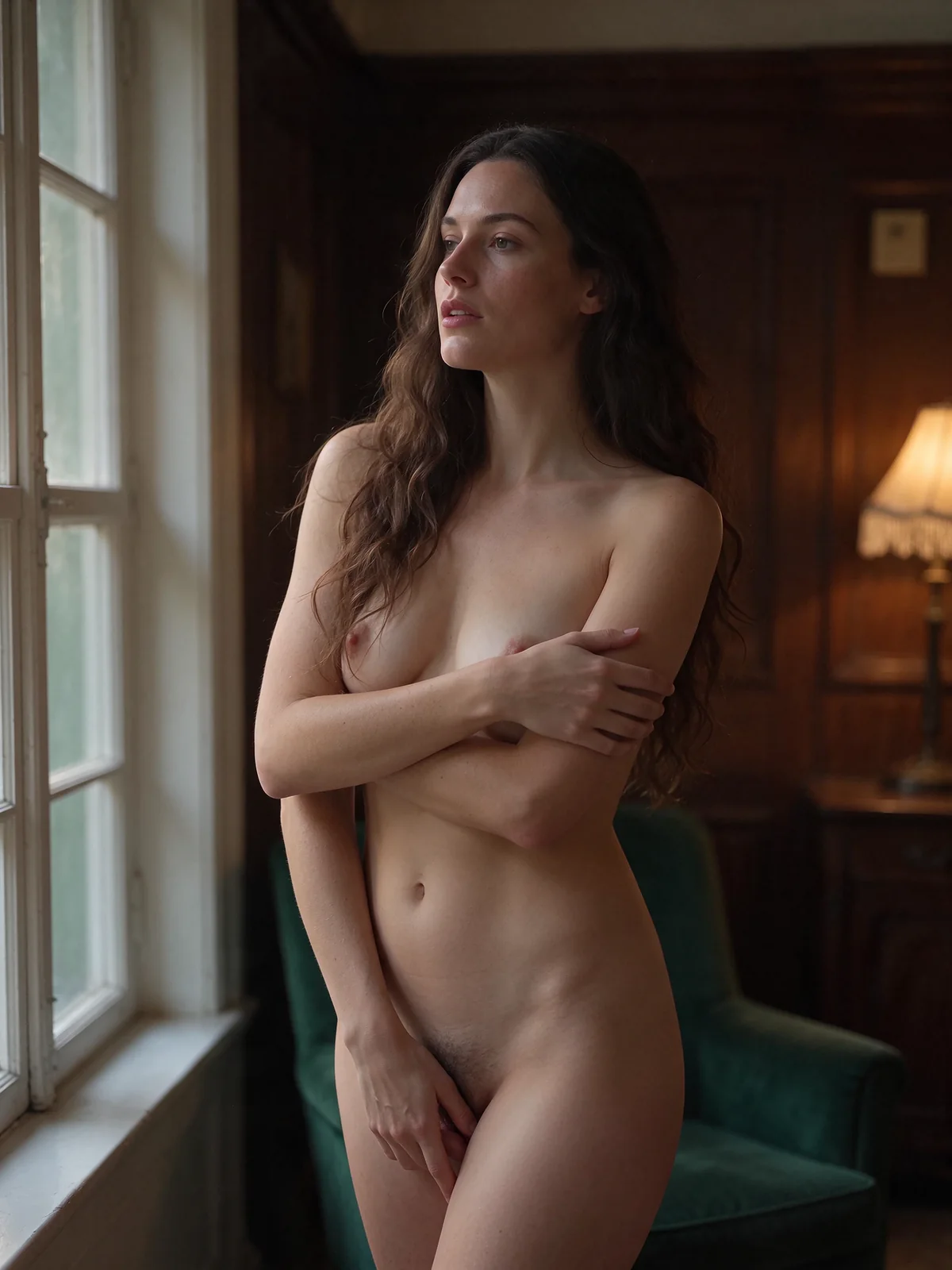
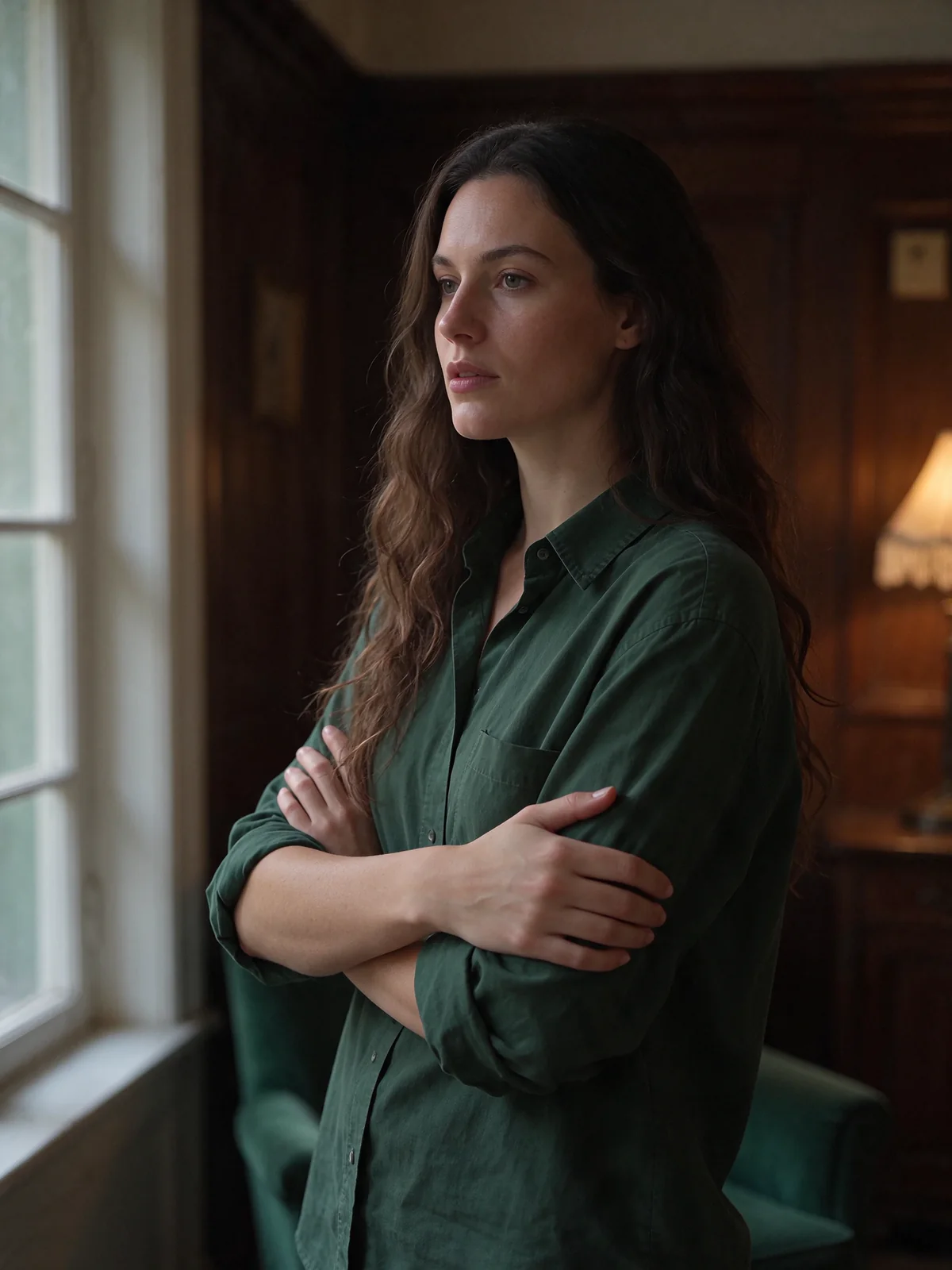
This reference pair illustrates a broader change to a source image. To try a local mask edit, use the one-sleeve exercise below on a saved image.
Still · 3:4Still · 3:4Prompts to try
Copy one, paste it into the studio, then change a single detail at a time.
Recolor one sleeve
Change the painted sleeve from green to navy. Keep the fabric texture, hand, pose, framing and background.
What to checkPaint only the sleeve. At the same zoom, compare the cuff and the nearby hand with the source.
Change the light across the scene
Shift the scene from daylight to warm dusk. Keep the subject, pose, framing and background layout.
What to checkCheck that the light agrees across the skin and the background.
What our own edit runs showed
Edit workflows fail differently from text-to-image, and the failure is usually the reference, not the prompt.
- Edit run price
- 2.2 credits per 1k still on Seedream 5.5 — about $0.17–0.22 depending on the pack
- Edit with a male reference
- three consecutive failures on one model; nothing charged
- Same subject, text-to-image
- succeeded on the first attempt after switching model
- Edit that ignored the reference
- returned an unrelated image entirely, not a near miss
- A model that ignores the reference is worse than one that refuses: it returns a plausible image of someone else.
- When an edit fails twice on the same reference, change model before rewriting the prompt.
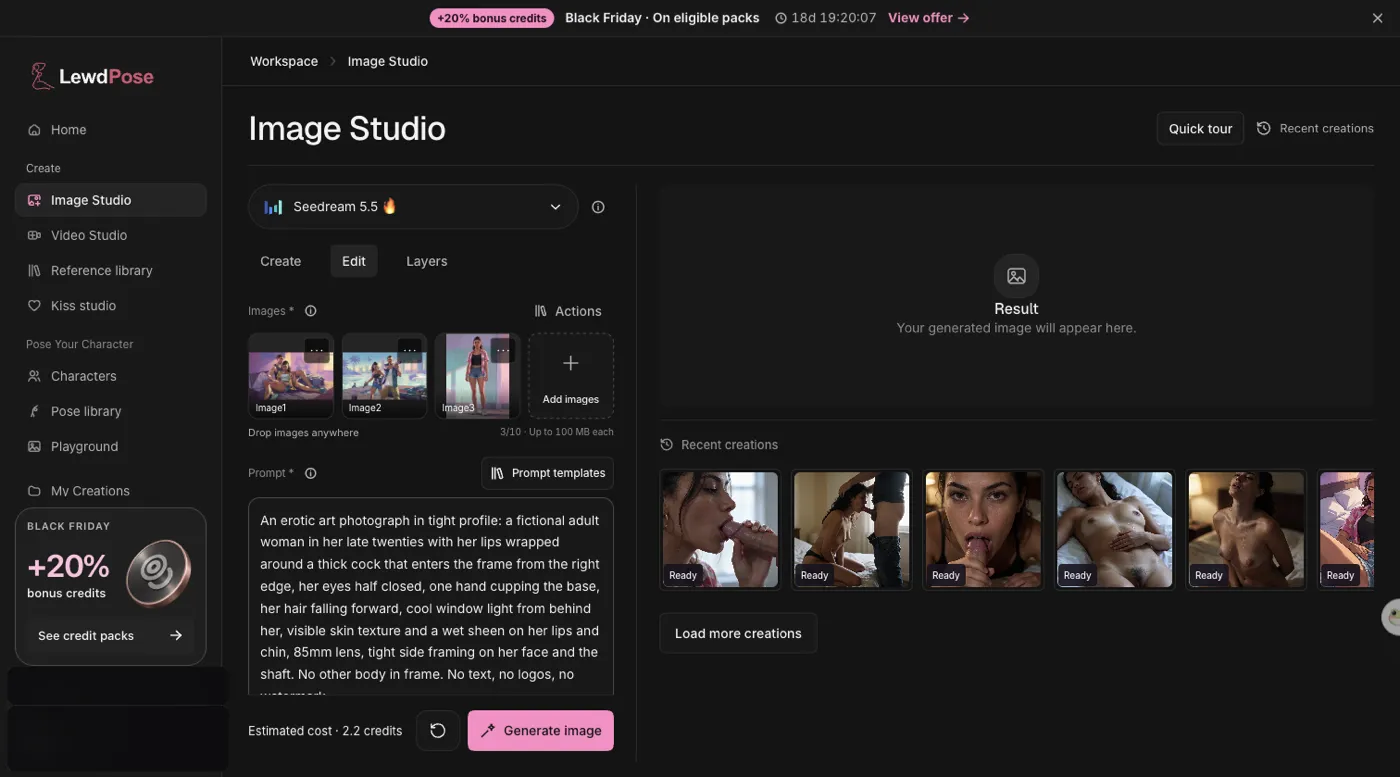
Measured in the LewdPose studio on 2026-11-24 and 2026-11-25.
Common questions
Short answers about cost, inputs and what to do when a result looks off.
Read the safety policyEdit, recreate or upscale: which one do I need?
Edit starts from a saved image and can change one painted area or the whole frame. Recreate uses a reference to build a new image. Upscale increases the pixel dimensions of an existing image.
What does the mask decide?
The mask tells the editor where to focus. Paint around the detail you want to change and leave faces and hands outside the selection when possible. Nearby details can still shift.
Why did an edit change more than expected?
A vague instruction lets the model redraw neighbouring areas. Name what must stay — pose, crop, light direction, background — as explicitly as what must change, and keep the mask tight around one detail per attempt.
Is there a free uncensored AI image editor?
You can use available welcome credits toward an edit. The studio shows the cost before you submit. If the quote is higher than your balance, you can add credits with a one-time pack.
What is the difference between an image editor and a photo editor here?
The same workflow covers both names: redraw one region of an image you already made, or adjust a compatible saved image. Reference-based recreation is a separate workflow with its own page.
Which images can I edit?
This editor starts with compatible finished images saved to your signed-in account. If the image picker is empty, create an image in Image Studio first.
How do I make a mask?
Select a compatible saved image, choose Paint an area, then brush directly over the part you want to change. The editor uses the painted selection as the mask.
Can an edit change details outside the painted area?
Yes. The painted area guides generation and nearby details can still shift. Compare the selection boundary and nearby features against the source before keeping the result.
How much does an edit cost?
Image Studio shows the current credit quote before you generate an edit.
Try the uncensored ai image editor
Pick your settings in the studio. You see the credit quote before anything renders.
Price a run before you sign up
A 1k still costs about 2.2 credits in our studio. Pick a batch size to see the cost at current pack prices.
- Credits
- 8.8
- Smallest pack that covers it
- 15 credits — $1.99
- Effective price per still
- $0.29
Estimates use the Seedream 5.5 1k quote and current pack prices. Other models, sizes and clips cost more; the studio shows the exact quote before anything renders, and failed runs are not charged.