18+ · Adults only
Uncensored AI Video Generator
Direct a fictional adult scene from text or animate a still you made in LewdPose. Start with one clear movement so you can judge the result.
Two ways to make an AI video
Begin with a short prompt for a new scene, or use a still from your library to keep the opening composition.
Direct a slow dance from text
- What to write
- Two fictional adults in their thirties share a slow dance in an amber-lit ballroom. They take one side step together with their hands joined at chest height. The camera stays steady.
- In Generate, choose Cinema to start from text alone. Describe the two characters and give them one movement to complete.
- Use a vertical frame with room for both dancers. Keep the camera fixed so you can judge whether their hands stay together.
- Select a supported duration and resolution. Review the credit quote, then generate the clip.
Follow the joined hands through the step. If they separate or disappear, simplify the movement before changing the camera.
Open text to videoAnimate a portrait from an image
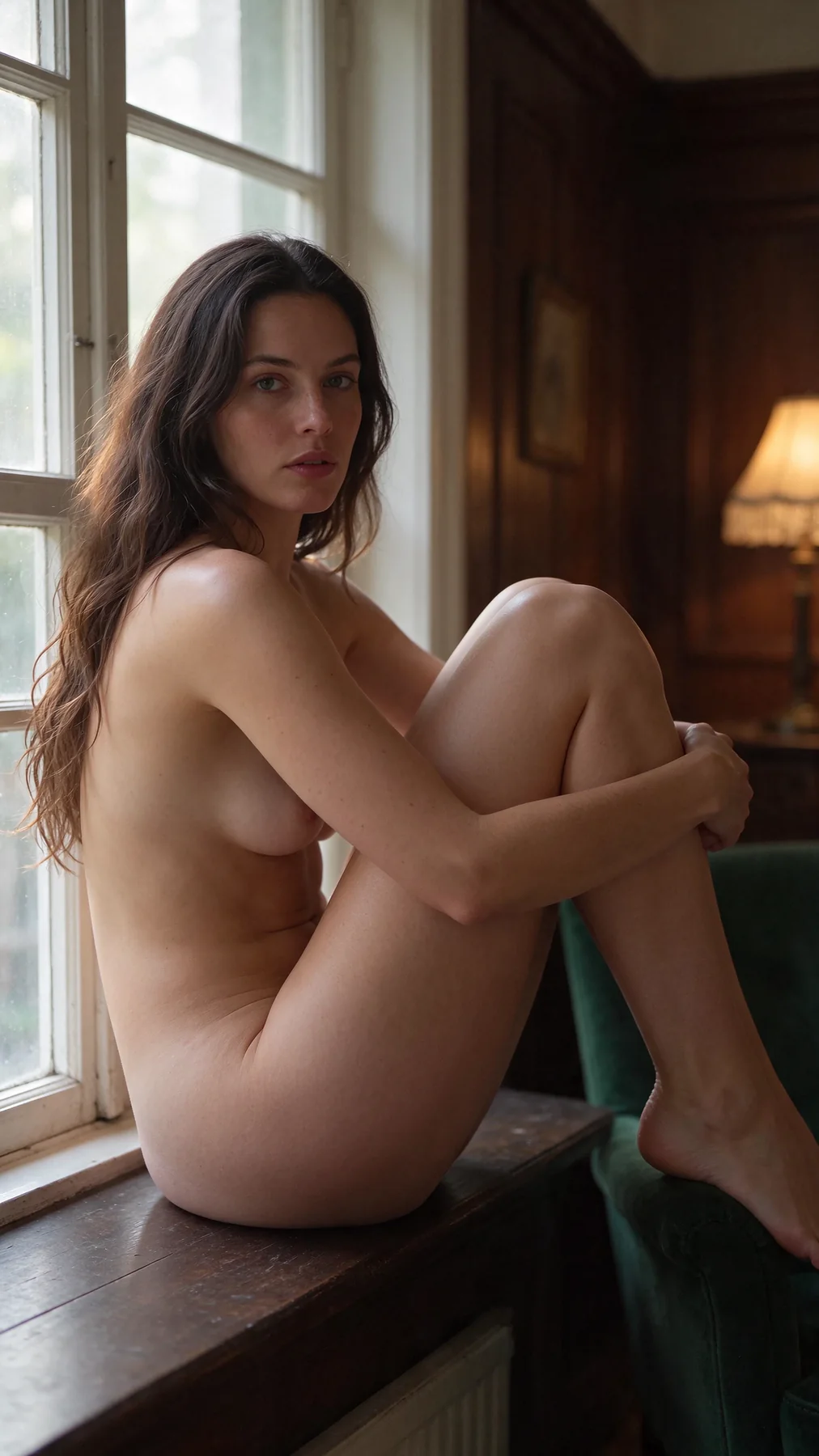
- In Animate, choose the street portrait from your LewdPose images. Keep the starting image handy for comparison.
- Select Hair turn. The motion preset sets the length of the clip. Choose Standard or Pro quality and review the quote.
- Generate the animation, then pause it halfway through the turn. Compare the face and coat collar with the starting portrait.
If the jawline blends into the coat collar, try a starting portrait with more space between them. Keep the same motion so you can judge the change.
Open image animationHow many credits does a video take?
Verify your email to receive 2 welcome credits. The studio quotes your clip using its selected workflow and settings. Compare available durations and quality before spending your credits.
What our own runs showed
Five clips were produced in this studio for the scene pages on this site.
- One 4-second clip, 480p
- Wan 3.0 output at 554×740, 2–3.3 MB per file
- Wall-clock per clip
- roughly 1.5–2 minutes from submit to finished file
- Camera lock
- clips that held kept a fixed camera; the one that drifted pulled back near the end
- Face drift at four seconds
- none observed across the five clips
- Four seconds is one motion beat; two beats in one clip is where limbs smear.
- Locking the camera in the prompt is required, not optional — the default is a slow pull-back.
Measured in the LewdPose studio on 2026-11-25 and 2026-11-26, Wan 3.0 at 480p.
Common questions
Adults only
You must be 18 or older. See the Content & Safety Policy for rules on likenesses, prompts and reference materials.