18+ · Adults only
NSFW character creator
In Characters, choose New character to generate a portrait from text, or choose From images to use up to three eligible images from your account. Save the character and reuse it in a new pose or video.
- Free sign-in
- Credit quote before you generate
- Failed renders refunded
How it works
3 steps from a blank page to a first result.
Start with one fictional adult
In Characters, choose New character, paste the brief below and check the quote before selecting Generate portrait. If you already have images, choose From images and pick up to three eligible works of the same fictional adult.
Check the save quote
Choose views where the face and hair are clear. Enter a name and review the separate quote for Save as character. The From images workflow starts at this step with your existing work.
Bring the character into a scene
When the saved character is ready, open it and select Choose a pose for a still image or Make a video for motion. Change one thing at a time and compare the face shape and hairline with the starting portrait.
Example briefs
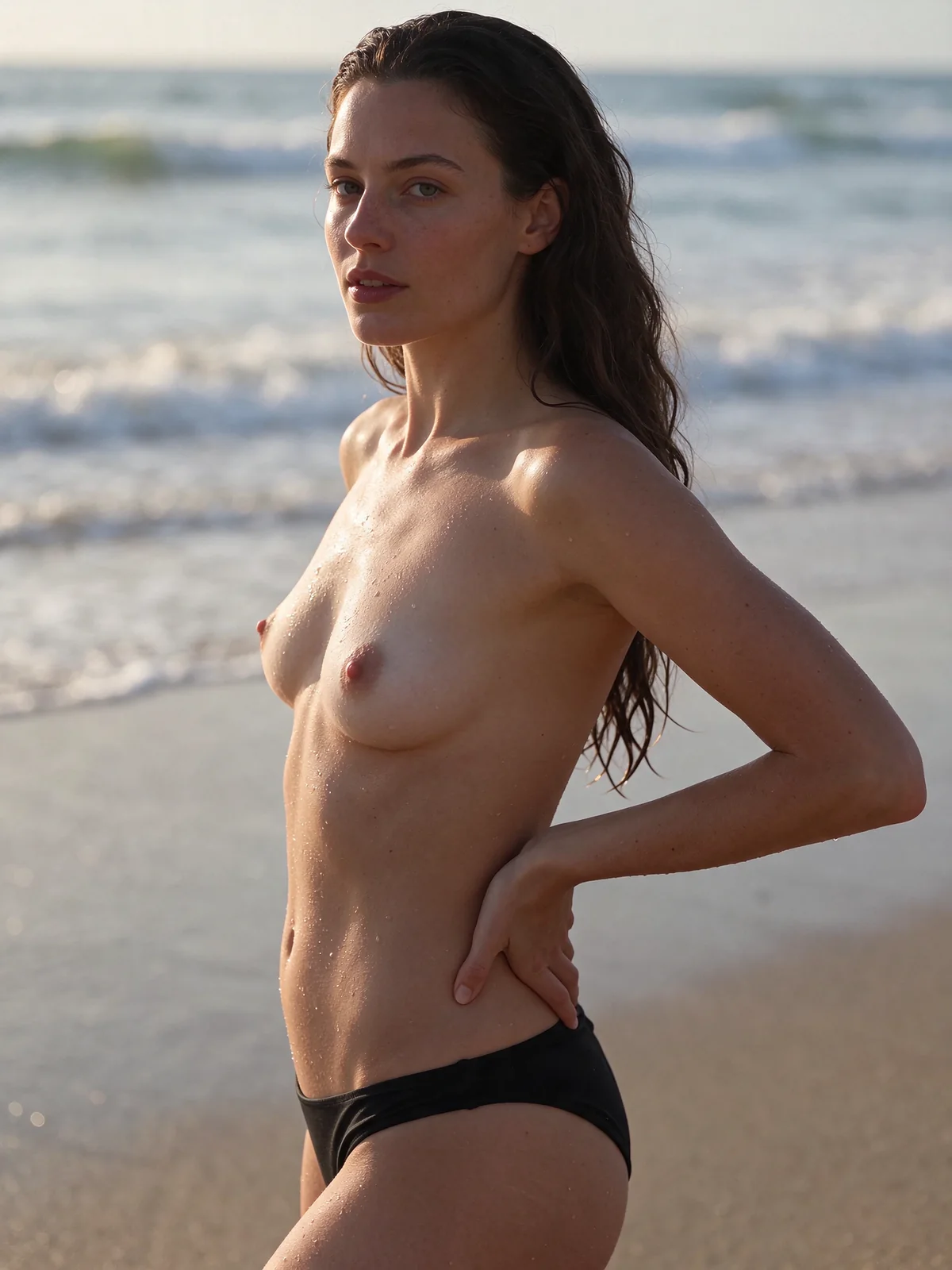
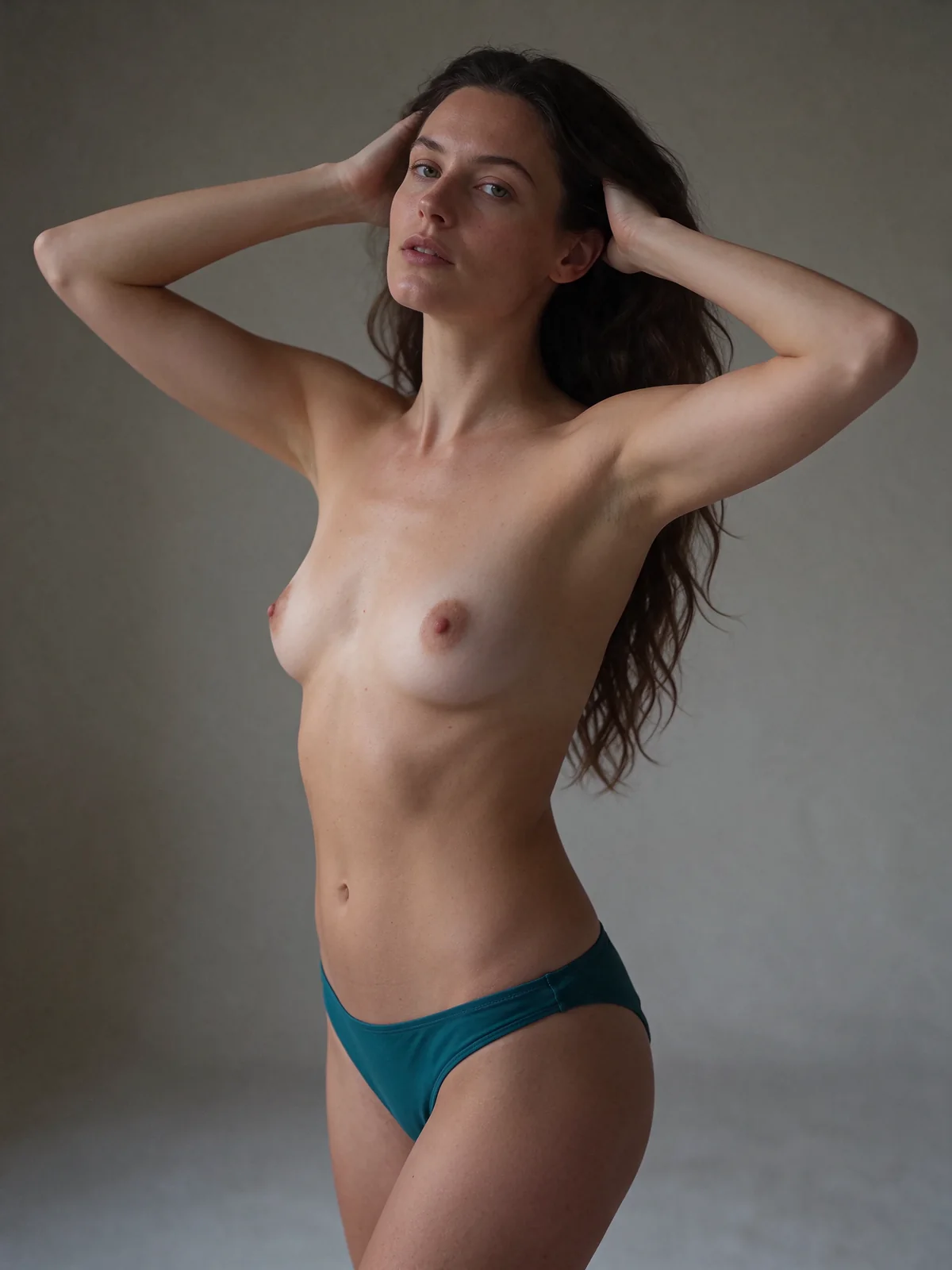
These two reference images were generated from a shared portrait. Use the brief below to make your own starting image, then compare it with a new scene made with your saved character.
Still · 3:4Still · 3:4Prompts to try
Copy one, paste it into the studio, then change a single detail at a time.
Studio portrait with dark curls and freckles
Studio portrait of a fictional adult woman in her early thirties with dark brown curls and light freckles. She sits upright on a wooden stool facing the camera, hands on her thighs. Use soft light and a plain warm-gray backdrop. Keep her face clearly visible.
What to checkSave a frame where her hairline and freckles are easy to compare with a later pose.
What our own runs showed
Character consistency is measurable: either the face survives the next frame or it does not.
- Saved character price
- 2.2 credits per 1k still on Seedream 5.5 — about $0.17–0.22 depending on the pack
- Face across frames, verbatim sheet
- holds
- Face across frames, reworded sheet
- drifts — measured on the GTA scene set
- Frames before a recheck
- about four; after that, compare against frame one before continuing
- A saved character gives the model an identity anchor, but the description still has to match it.
- Wardrobe changes read as a new character unless the new outfit is written into the same sheet.
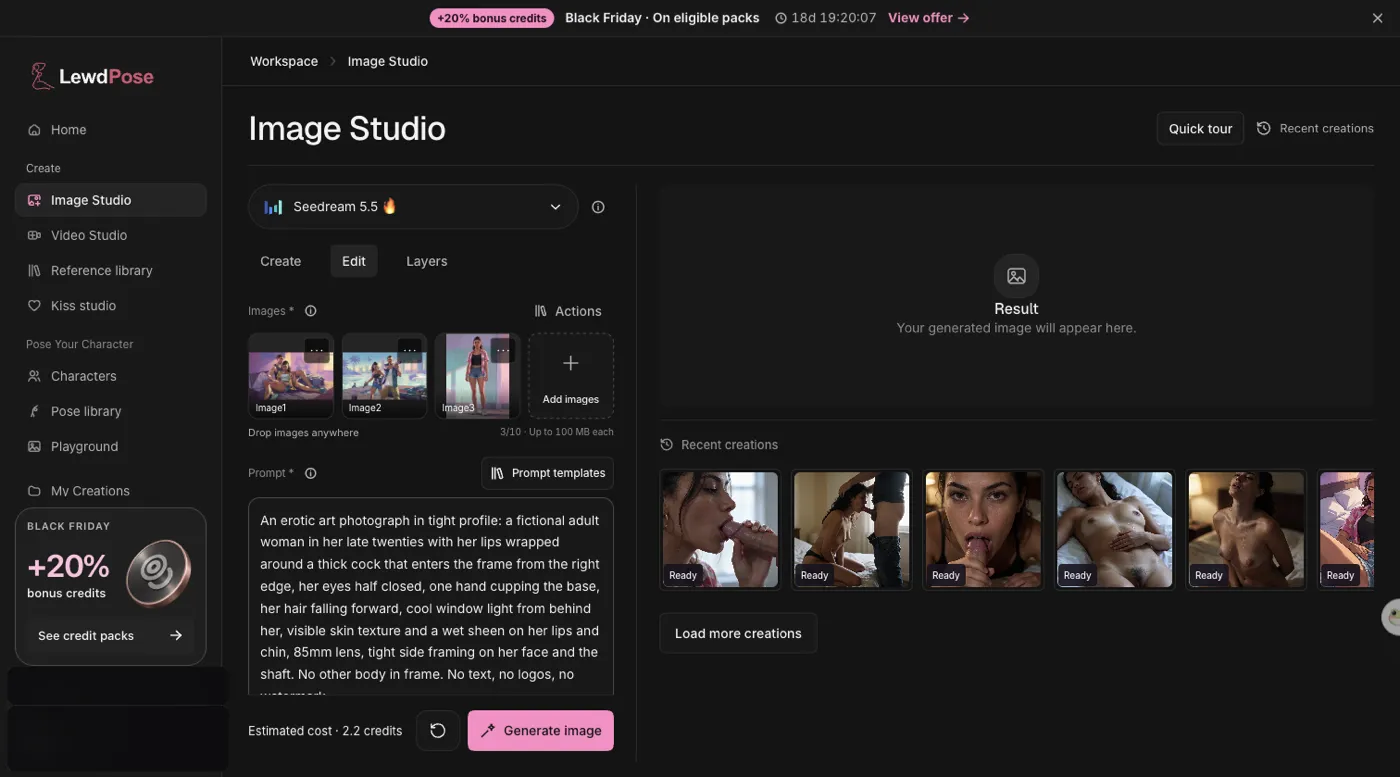
Measured while building the GTA scene set on 2026-11-24 and 2026-11-25.
Common questions
Short answers about cost, inputs and what to do when a result looks off.
Read the safety policyDo I need an image before I start?
Choose New character to create a portrait from a description. If you have eligible images of an original fictional adult in your account, choose From images instead.
Can I save several views of the same character?
From images lets you choose up to three eligible works. Select clear views of the same fictional adult so you can recognize the subject across shots.
Will the character look identical in every scene?
A saved character gives later generations a shared starting point. The face, clothing or accessories can still vary with pose, framing and lighting. Compare each output with the original.
Does this create a chat character?
Characters in LewdPose are reusable visual subjects for image and video generation.
Try the character creator
Pick your settings in the studio. You see the credit quote before anything renders.
Price a run before you sign up
A 1k still costs about 2.2 credits in our studio. Pick a batch size to see the cost at current pack prices.
- Credits
- 8.8
- Smallest pack that covers it
- 15 credits — $1.99
- Effective price per still
- $0.29
Estimates use the Seedream 5.5 1k quote and current pack prices. Other models, sizes and clips cost more; the studio shows the exact quote before anything renders, and failed runs are not charged.