18+ · Adults only
AI porn video generator
Approve a still first, then animate it. Four seconds is where the face still holds, so one motion beat per clip is the rule here; the studio quotes the clip before it renders. Going straight from text works too — this page shows where each route breaks.
- Free sign-in
- Credit quote before you generate
- Failed renders refunded

How it works
3 steps from a blank page to a first result.
Start from text or from a still you own
Text-to-video writes the scene for you; image-to-video keeps a face you already approved. If consistency matters, animate your own still instead of re-rolling from text.
Keep the camera instruction to one line
Fixed camera, slow push, or a single turn. Two camera moves in one short clip is where limbs start to smear, so pick one and let the body do the rest.
Read the quote, then check the last frame
The studio prices by model, resolution and seconds. Watch the final two seconds of the result: that is where drift shows up first, and where a second take is usually cheaper than a longer clip.
Example briefs
Compare the examples and use the captions to check framing and details in your own result.
Still · 3:4Prompts to try
Copy one, paste it into the studio, then change a single detail at a time.
Fixed camera, four seconds
A fictional adult woman kneels on a bed in a dim room, nude, hands on her thighs, breathing and shifting her weight, fixed camera at chest height, warm lamp light from the right, four seconds.
What to checkOne movement only. Check motion blur before adding another movement.
Slow turn from a still
Animate the approved still: she turns her shoulders toward the camera, hair falling forward, steam rising behind her, camera locked, skin and fabric only, no camera move.
What to checkLock the camera so the only change is the body.
Two-person scene
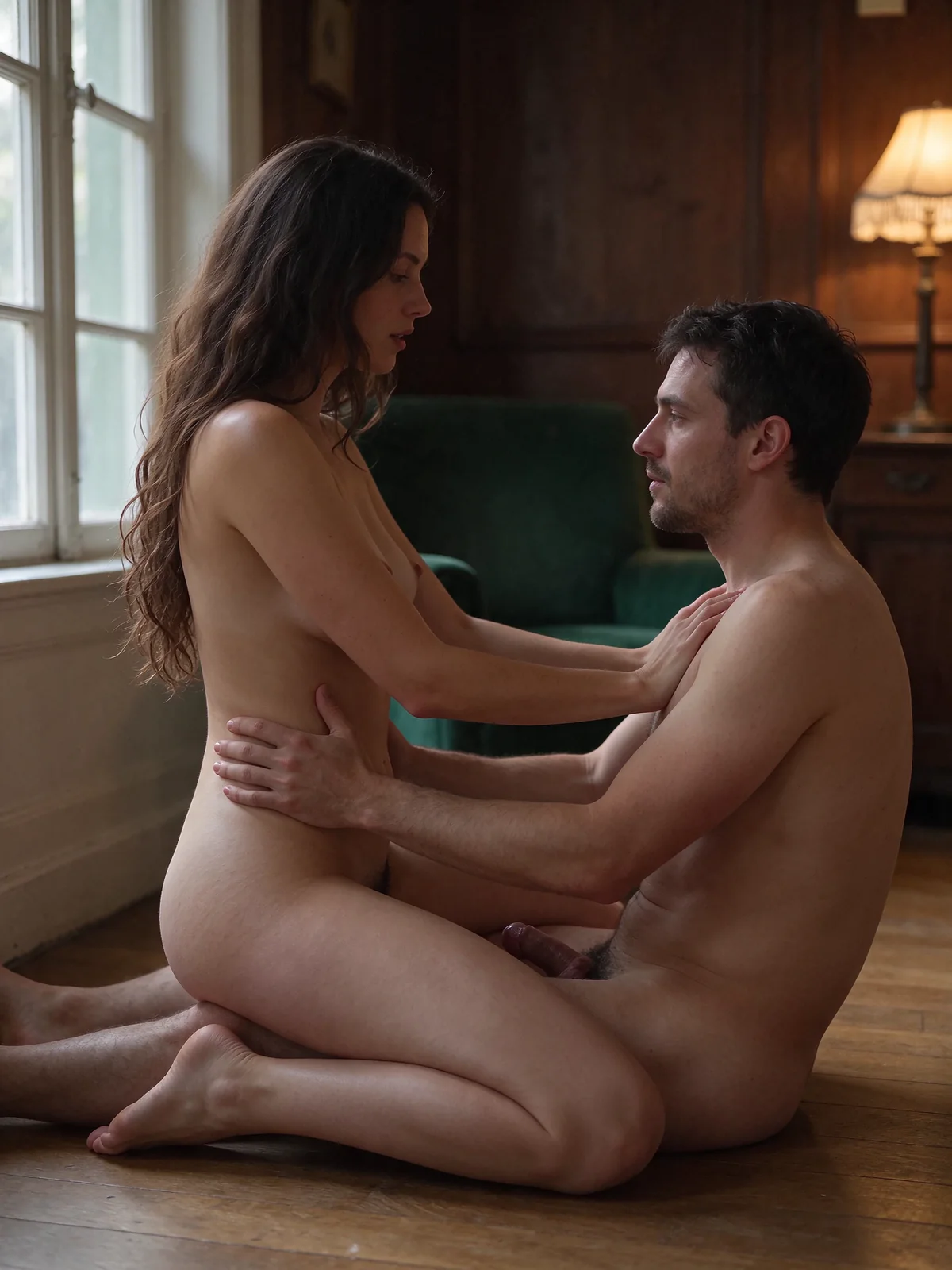
Two fictional adults on a wooden floor, one above the other, hips meeting in a slow rhythm, side view, warm overhead light, fixed camera, four seconds.
What to checkTwo bodies means checking the hip contact first, then the hands.
What our own runs showed
Five clips were generated in this studio for the scene pages on this site. These are the numbers from those runs.
- One 4-second clip, 480p
- One 4-second 480p clip on Wan 3.0, 554×740 output, 2–3.3 MB file
- Wall-clock per clip
- roughly 1.5–2 minutes from submit to finished file
- Camera lock
- every passing clip kept a fixed camera; the one that drifted pulled back near the end
- Character drift
- faces held across all five clips at four seconds; longer runs are untested
- Four seconds is one motion beat. Two beats in one clip is where limbs start to smear.
- Fixing the camera in the prompt is not optional: the model defaults to a slow pull-back.
Measured in the LewdPose studio on 2026-11-25 and 2026-11-26, US pricing, Wan 3.0 at 480p.
Common questions
Short answers about cost, inputs and what to do when a result looks off.
Read the safety policyHow long can a clip be?
Short. A few seconds per generation, and a longer scene is built by extending a clip you already approve rather than asking for one long take. Length is priced per second, so start short.
Will the face stay the same between shots?
A starting image gives the model a face to follow. Pause near the end of the clip to check for drift. For a new take, reuse the reference and keep the character description consistent.
Can I upload a photo of a real person?
No. Animating a real person, or a photo you do not own, is outside what this product accepts. Use text-to-video or a still your own account generated.
Why do hands and limbs break?
Fast movement and short clips are the hard case: the model has few frames to resolve contact. Reduce the movement, lock the camera, and cut the length before you blame the model.
What does a clip cost compared with an image?
Several times an image at the same resolution, because every second is sampled. The studio shows the exact quote for the selected model, resolution, seconds and output count before you submit.
Try the ai porn video
Pick your settings in the studio. You see the credit quote before anything renders.
Price a run before you sign up
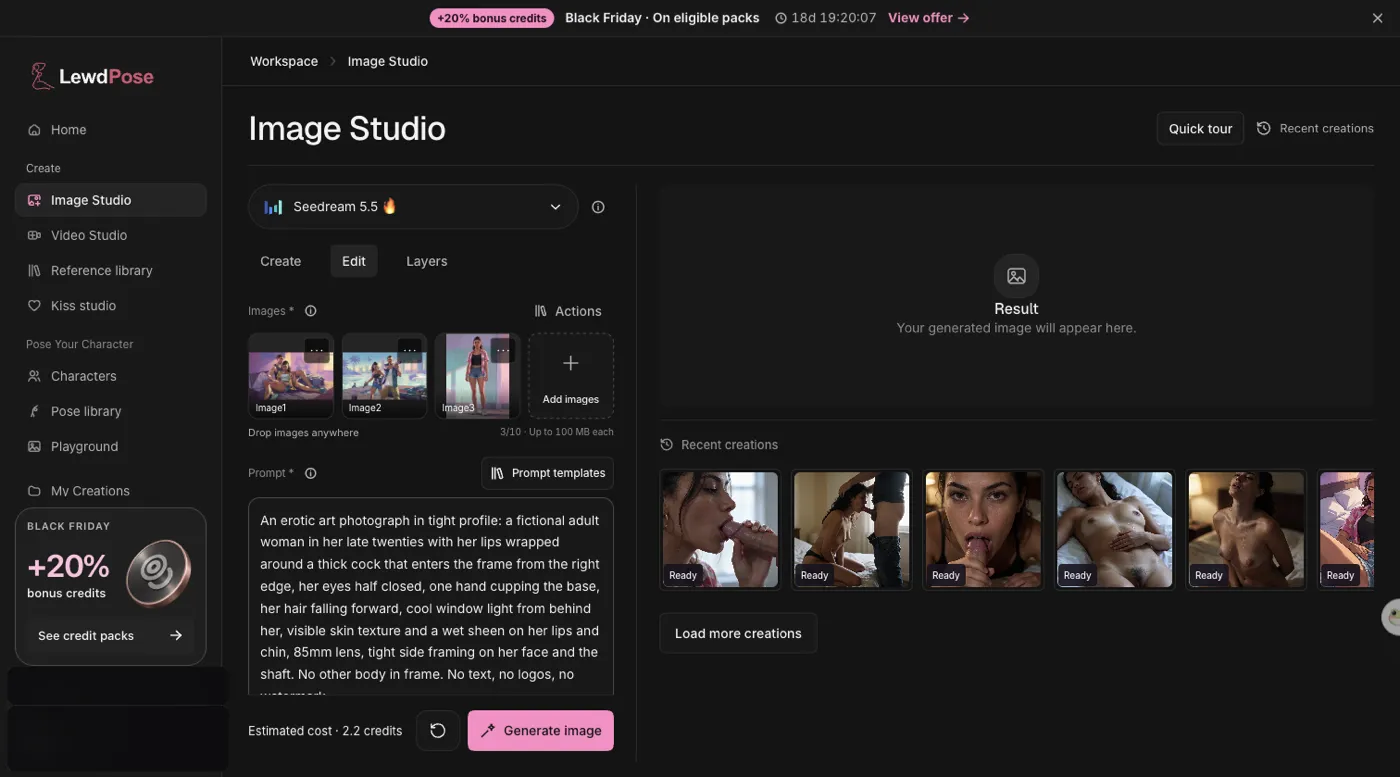
A 1k still costs about 2.2 credits in our studio. Pick a batch size to see the cost at current pack prices.
- Credits
- 8.8
- Smallest pack that covers it
- 15 credits — $1.99
- Effective price per still
- $0.29
Estimates use the Seedream 5.5 1k quote and current pack prices. Other models, sizes and clips cost more; the studio shows the exact quote before anything renders, and failed runs are not charged.