18+ · Adults only
AI image upscaler
Make a saved LewdPose image larger. Choose an eligible image from your account, select 2× or 4× and get one larger version without writing a prompt.
- Free sign-in
- Credit quote before you generate
- Failed renders refunded
How it works
3 steps from a blank page to a first result.
Open Upscale in Image Studio
Sign in and open Image Studio. In Edit a work, open Image style & tools and choose Upscale.
Choose one saved image and a scale
Pick one eligible finished image from your account. Choose 2×, or try 4× if the source is around one megapixel or smaller. If 4× rejects the image size, use 2×.
Review the quote and inspect the output
Check the credit quote before running the upscale. When it completes, compare the original and the larger copy, paying attention to small shapes and edges.
Example briefs
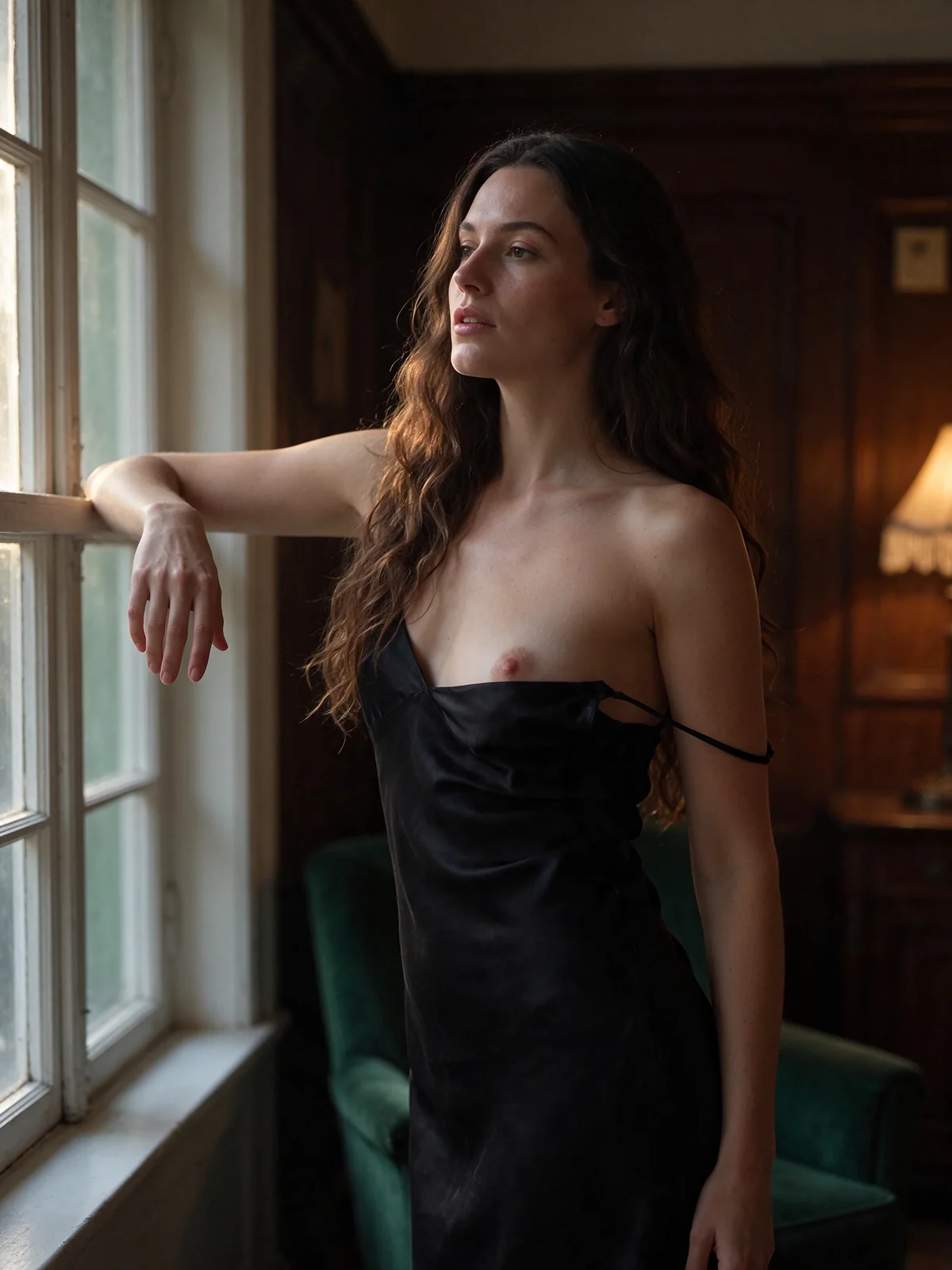
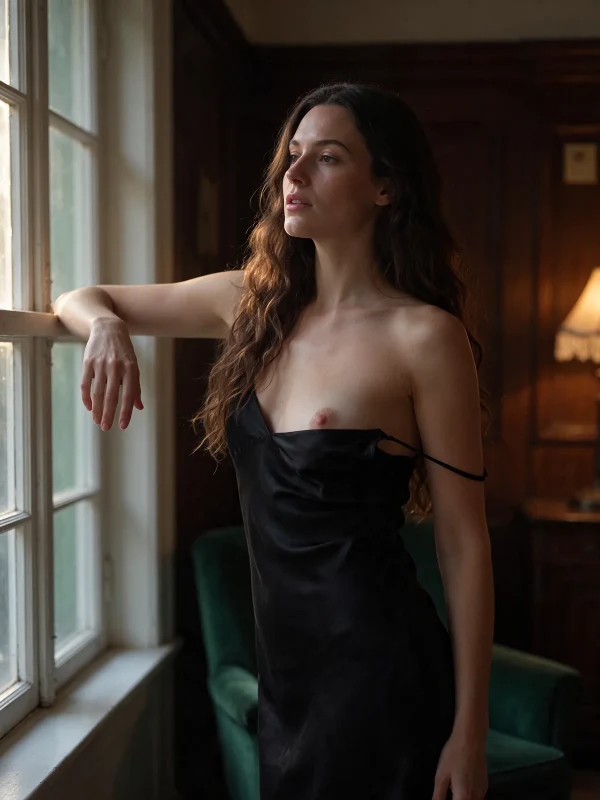
Compare a downsampled copy with the full-size portrait to see what twice the width and height look like. Inspect fine details on your own studio result before using it.
Still · 3:4Still · 3:4What our own runs showed
Upscaling is a paid run like any other, so the order of operations decides what you spend.
- Upscale run price
- 2.2 credits per 1k image on Seedream 5.5 — about $0.17–0.22 depending on the pack
- Cheapest order
- generate small, pick the frame, upscale once
- Most expensive order
- upscale, spot a flaw, generate again from scratch
- What upscaling cannot fix
- hands, jawline and anatomy — those are generation problems
- Judge the frame at thumbnail size first; a pose that does not read small will not read larger.
- Upscaling a frame you have already rejected doubles the cost of that rejection.
Studio pricing and run order observed on 2026-11-27.
Common questions
Short answers about cost, inputs and what to do when a result looks off.
Read the safety policyWhich images can I upscale?
Use an eligible finished image from your signed-in account. Create a work in Image Studio first if your image picker is empty.
Do I need a prompt or a selection mask?
Upscale needs one source image and a scale. Use the image editor if you want to repaint a detail or change part of the scene.
When should I choose 4×?
Use 4× when you need more output pixels and the source is around one megapixel or smaller. For larger source images, start at 2×.
Can it restore details missing from my original?
The tool can render new texture while making the image larger. Check fine features against the source if their appearance matters.
What actually changes between 2× and 4×?
Output pixels, not the scene. A 640×960 source becomes 1280×1920 at 2× and 2560×3840 at 4×. Larger factors add more room for invented texture, so compare the same crop at the same display size instead of zooming one image.
Does upscaling change the character?
It should not change the pose or the outfit; it re-renders the existing pixels at a larger size. Faces and fine jewellery are still worth checking, because the model fills in detail that was not in the source.
Can I upscale an image from outside LewdPose?
The picker offers eligible finished images from your own account. If you are starting from elsewhere, create the image in Image Studio first, then upscale that result.
Is upscaling cheaper than generating the image again?
They are different operations with different quotes. Upscaling keeps a result you already accepted; regenerating draws a new one. Compare the two prices in the studio before choosing.
Try the image upscaling
Pick your settings in the studio. You see the credit quote before anything renders.
Price a run before you sign up
A 1k still costs about 2.2 credits in our studio. Pick a batch size to see the cost at current pack prices.
- Credits
- 8.8
- Smallest pack that covers it
- 15 credits — $1.99
- Effective price per still
- $0.29
Estimates use the Seedream 5.5 1k quote and current pack prices. Other models, sizes and clips cost more; the studio shows the exact quote before anything renders, and failed runs are not charged.