18+ · Adults only
Uncensored AI image-to-image generator
Upload a reference of a fictional adult. Use its framing, light and style to create a new character in the same kind of scene.
- Free sign-in
- Credit quote before you generate
- Failed renders refunded
How it works
3 steps from a blank page to a first result.
Upload one reference
Choose Upload reference in Image Studio. Attach one JPG, PNG or WebP of a fictional adult you have permission to use.
Review the source
Crop the reference first if there are distractions around the subject. The studio uses its composition and proportions as the starting point.
Generate and check the frame
Review the credit quote and generate one image. Compare the crop, lighting and style against the source. Try a clearer reference if the result drifts.
Example briefs
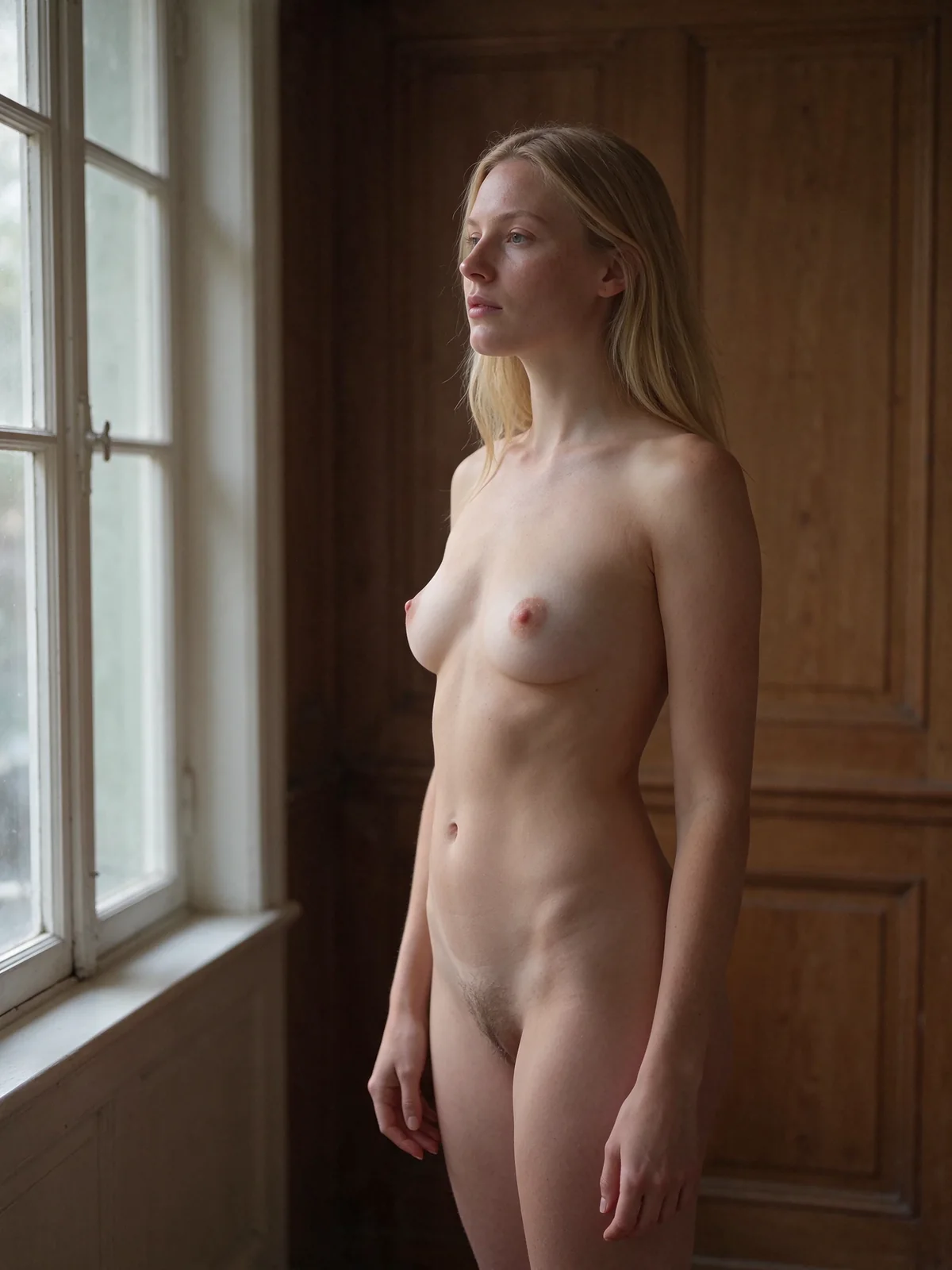
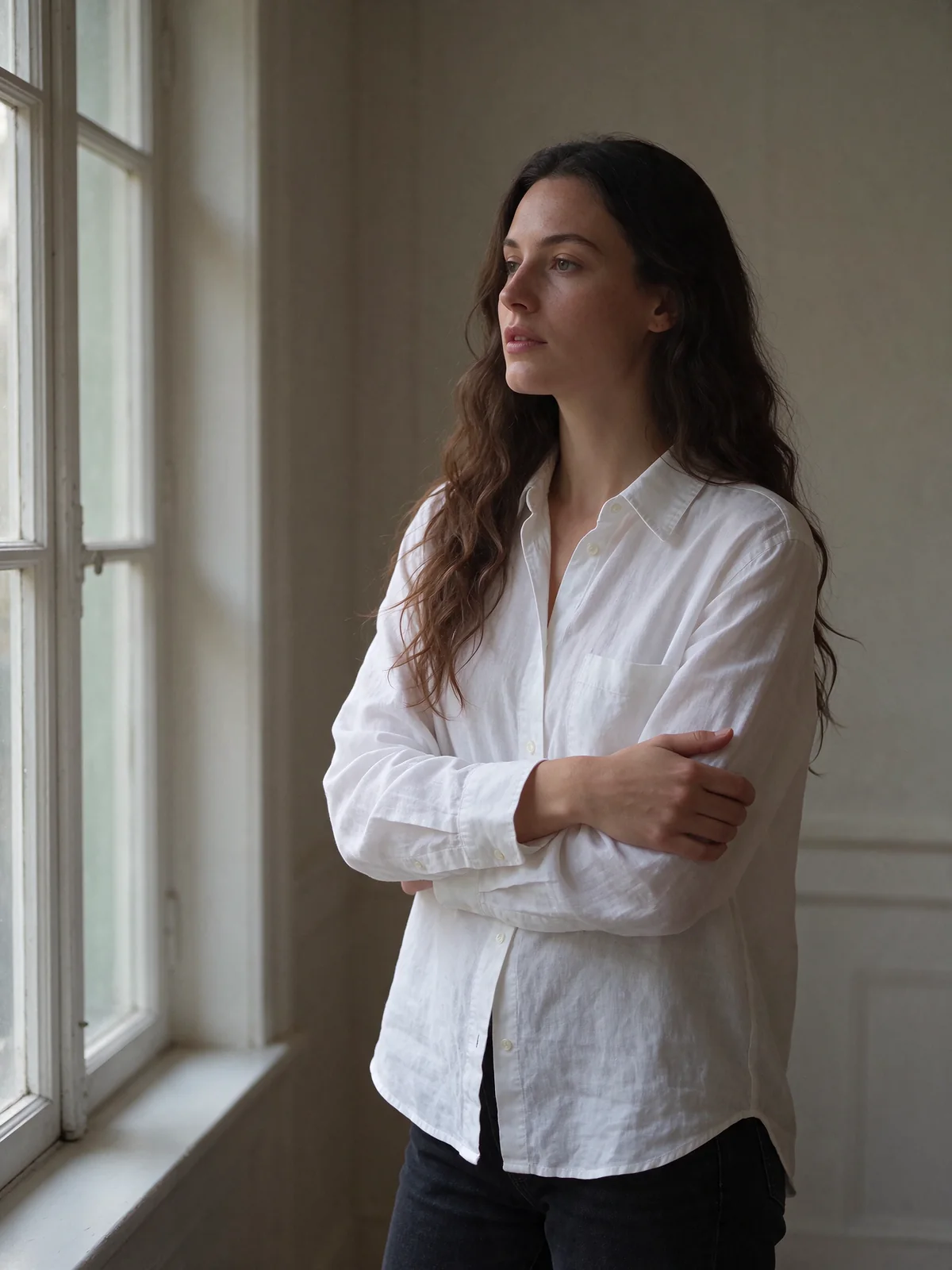
Compare these two window portraits for composition and light before trying a reference of your own.
Still · 3:4Still · 3:4What our own runs showed
Style prompts are cheap to test and easy to overdo. These are the numbers we saw.
- Style still price
- 2.2 credits per 1k still on Seedream 5.5 — about $0.17–0.22 depending on the pack
- Anime style, explicit prompt
- drifts toward photoreal unless the style clauses sit at the end of the prompt
- Style clauses that held
- ink outlines, flat cel shading, no pores
- Runs to settle a style
- two or three, changing one clause at a time
- Put style clauses last: as a global instruction they survive an explicit subject, earlier in the prompt they do not.
- Adding a fourth style adjective usually makes the result muddier, not more stylised.
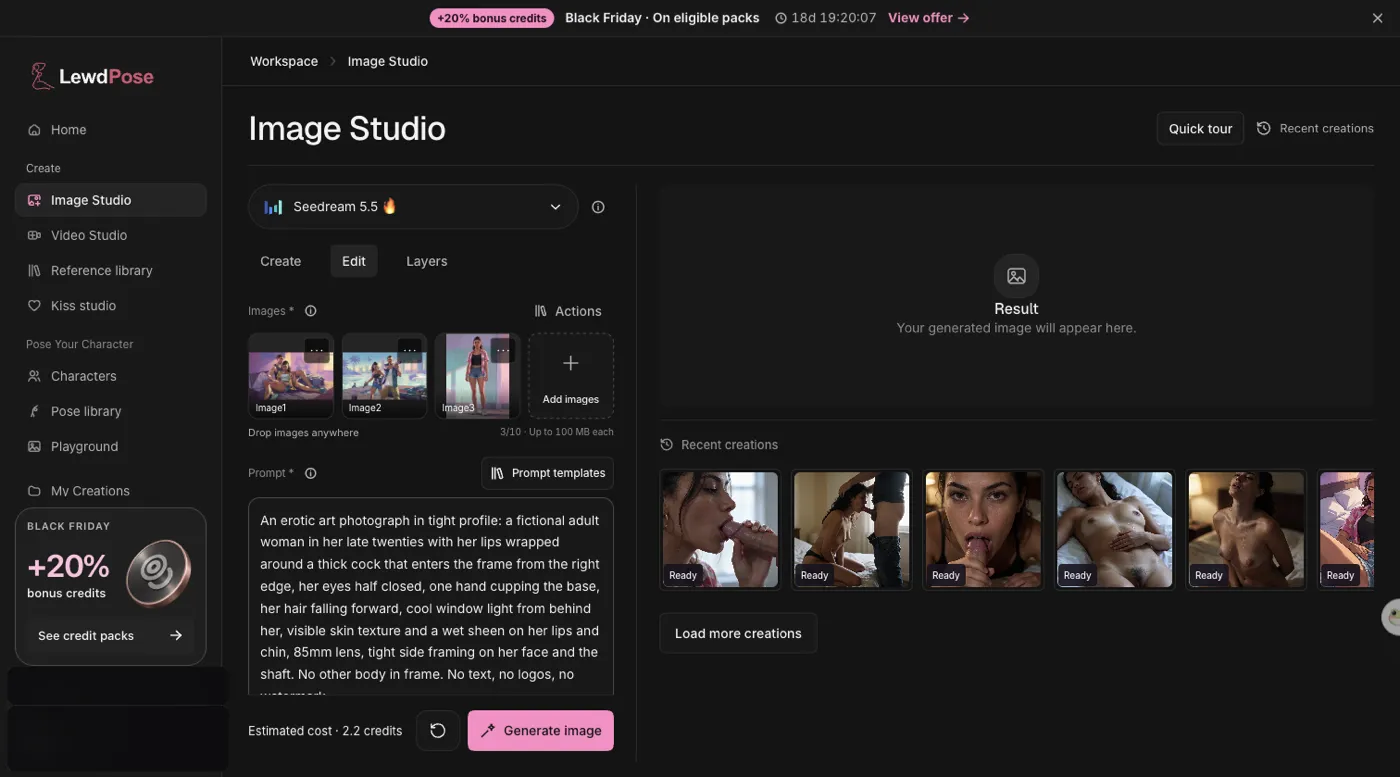
Measured in the LewdPose studio in November 2026.
Common questions
Short answers about cost, inputs and what to do when a result looks off.
Read the safety policyWill the new image have the same face?
Recreate Image uses a new fictional character. The source guides the composition, lighting and style.
Can I type what to change?
The reference drives this workflow. More options has a Negative prompt for details to avoid. Use Image Editor if you need to describe a deliberate change to a compatible saved image.
Which aspect ratio will I get?
The output follows the aspect ratio of the uploaded reference. Crop your source to the desired shape before uploading it.
How many images can I upload?
Recreate Image takes one reference and returns one image per generation. The uploader shows the current file limit.
Try the image to image
Pick your settings in the studio. You see the credit quote before anything renders.
Price a run before you sign up
A 1k still costs about 2.2 credits in our studio. Pick a batch size to see the cost at current pack prices.
- Credits
- 8.8
- Smallest pack that covers it
- 15 credits — $1.99
- Effective price per still
- $0.29
Estimates use the Seedream 5.5 1k quote and current pack prices. Other models, sizes and clips cost more; the studio shows the exact quote before anything renders, and failed runs are not charged.