18+ · Adults only
AI kissing generator
Add two reference images, one for each fictional adult. Choose how they kiss, select Video or Image, and check the credit quote in Kiss Studio.
- Free sign-in
- Credit quote before you generate
- Failed renders refunded
Kiss studio quick start
Add two photos, one person each
Front-facing, well-lit photos work best. One face per photo; they do not need to be taken together. Uploading needs a free account, and everything you pick here carries over.
Pick the kiss
Clothes and what follows
Output
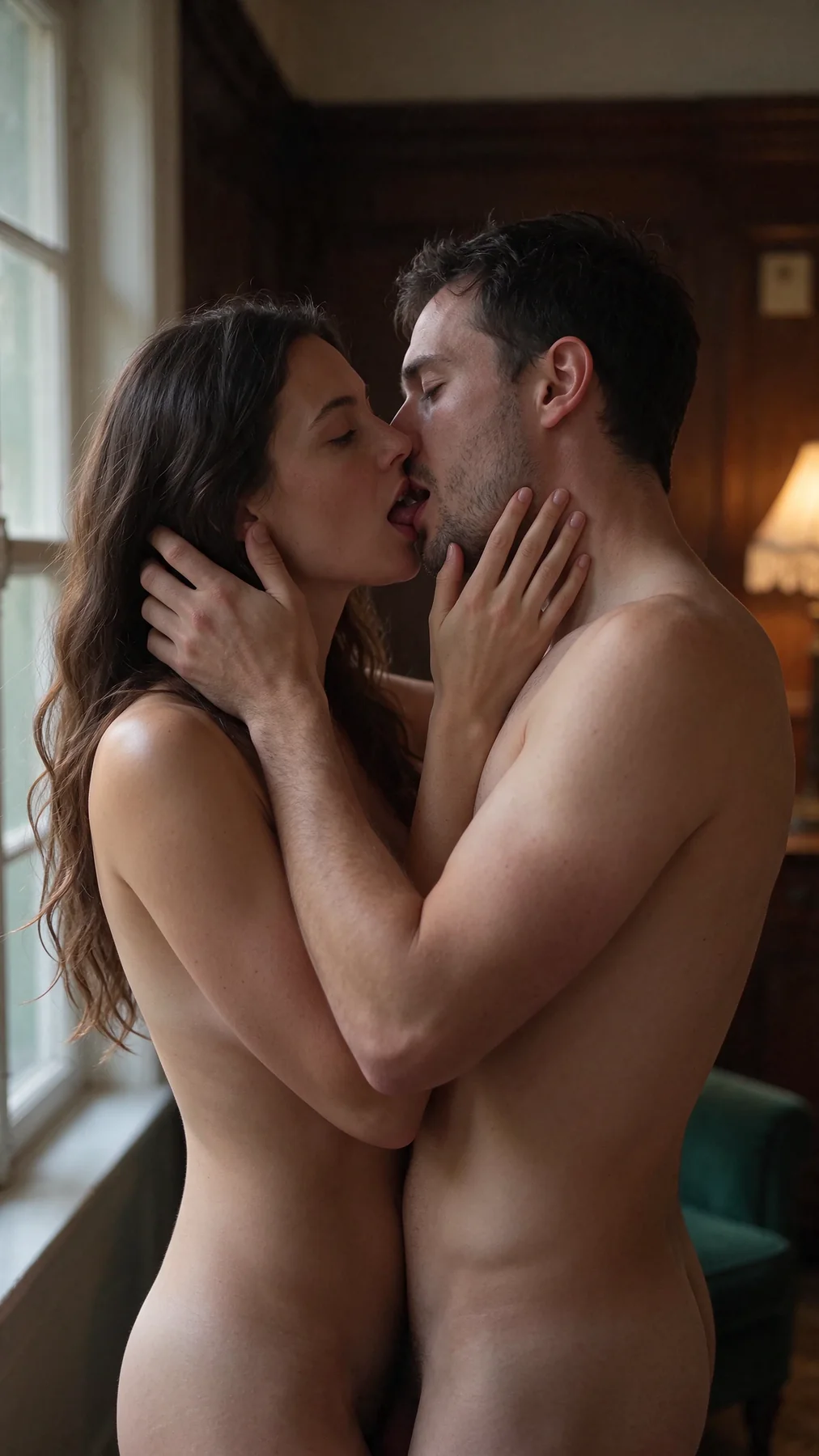
Two fictional adults: the two people from the uploaded reference images. they kiss deeply with mouths open, one hand in the other hair, faces pressed together. both stay dressed exactly as in their reference images, no wardrobe change. the clip ends at the kiss, no sex follows. Single fixed camera at chest height, warm interior light from the side.
Opens the kiss studio with these picks. You see the credit cost before anything renders, and a failed render is not charged.
How it works
3 steps from a blank page to a first result.
Add one image for each person
Sign in to Kiss Studio. Add one image of a fictional adult to Photo 1 and an image of the other to Photo 2.
Choose the kiss and the output
Pick the kiss style and what follows. Choose Video or Image, then select a model and the available output settings. The studio builds the prompt from those choices.
Check credits and review the result
Review the credit quote before generating. For a video, watch how the faces move into contact. For a still, check both faces and the crop. Change one setting at a time when you try again.
Example briefs
Use these clips to compare framing for two kiss styles. In Kiss Studio, pick a style and an aspect ratio supported by the model you choose.
Prompts to try
Copy a prompt and try it in the workflow linked below.
Vertical deep kiss into sex
Two nude adults kiss in profile, mouths open and tongues touching; after a beat he turns her to the tall window and enters her from behind with two slow thrusts, her palms flat on the glass and his hand on her breast. Shoulder-up vertical frame, 85mm lens, fixed camera, warm lamp light.
What to checkCheck that the mouths stay aligned in the first second, then the join at the hips.
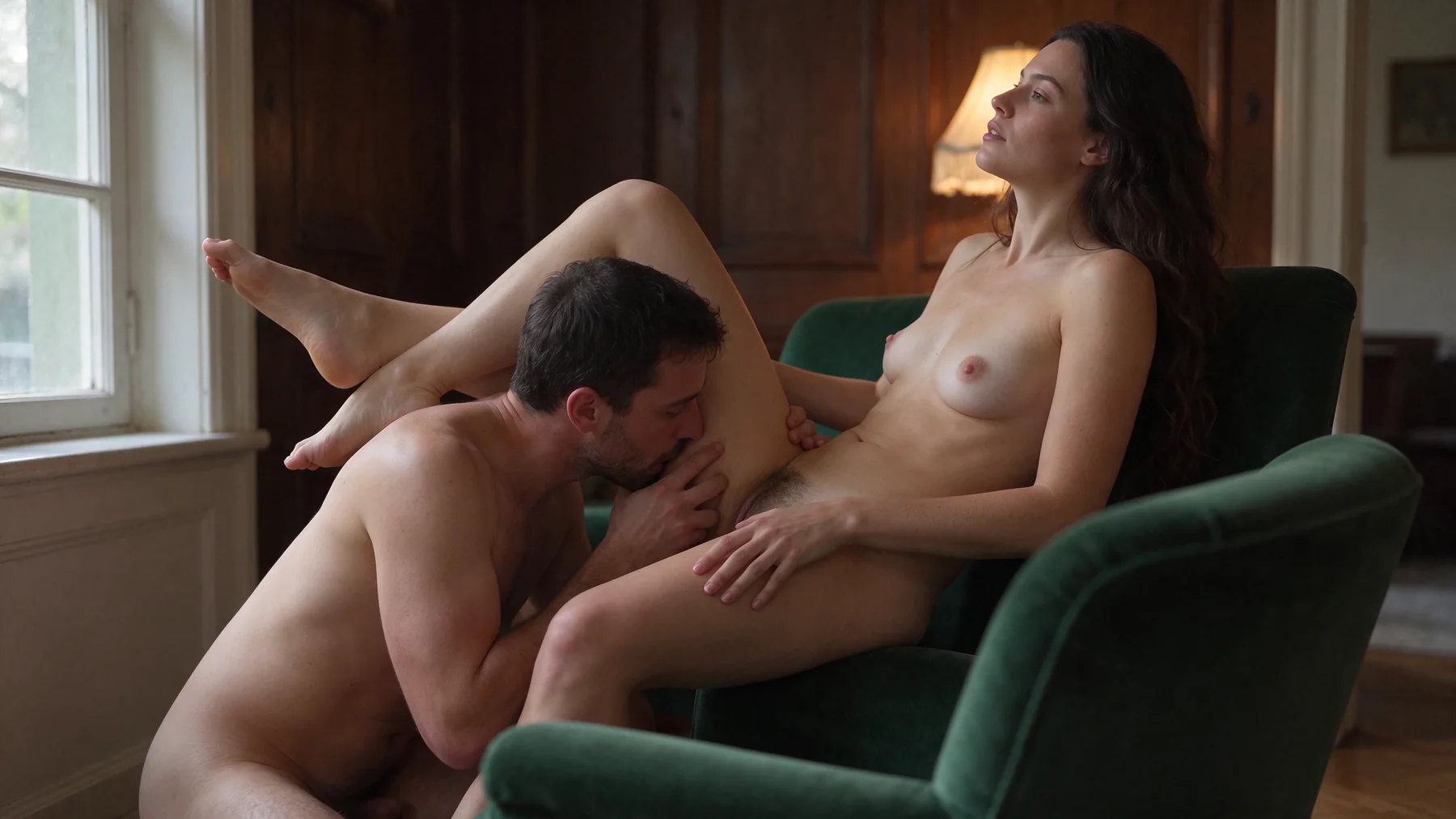
Kiss down the body, then oral
She sits on the chair arm with one leg over his shoulder while he kisses her inner thigh, then licks her while two fingers push inside her, her head tipped back and her hand gripping the chair back. Wide frame, fixed camera, 35mm lens.
What to checkWatch her raised leg and his head; that is where the frame breaks first.
What our own runs showed
Two faces in contact is the hardest thing to keep consistent, and the price reflects the retries.
- Kiss clip, 4 seconds
- One 4-second 480p clip on Wan 3.0, 554×740 output, 2–3.3 MB file
- Wall-clock per clip
- roughly 1.5–2 minutes
- Contact point
- where mouths and hands meet is where frames break first
- Cheapest working order
- one still per person, then a single two-person still, then animate that
- Animating the kiss before the still holds multiplies the cost of a bad frame by the clip length.
- A tight crop on the contact point hides more failures than a wide shot.
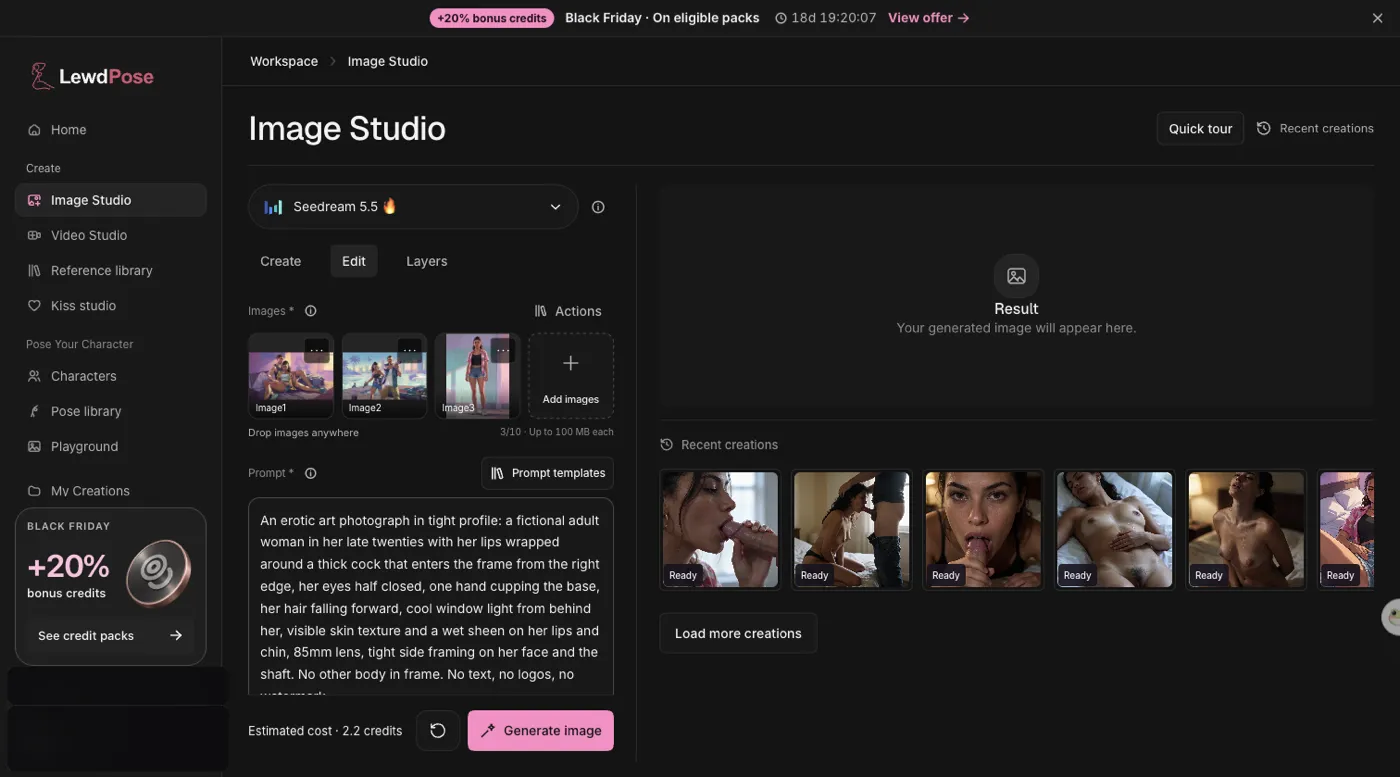
Studio measurements and pricing observed on 2026-11-27.
Common questions
Short answers about cost, inputs and what to do when a result looks off.
Read the safety policyDoes kiss AI need two photos?
Yes. Kiss Studio uses two separate reference images, one for each fictional adult, for both video and image output. Use artwork you have permission to use.
Is an AI kisser the same as a kissing video generator?
Here both names refer to the two-image Kiss Studio. Choose Video for motion or Image for a still of the scene.
Can I start with a text prompt?
For a text-only scene, use the From text workflow in Video Studio. Kiss Studio builds its prompt from the choices you make on the form.
What should I change if the faces look distorted?
Use a clearer reference for the face that drifted. Try a simpler kiss style or a wider aspect ratio, then review the point where the faces meet.
How many credits will the video use?
Kiss Studio shows the credit quote for your current model and output settings before you generate.
Try the ai kissing generator
Pick your settings in the studio. You see the credit quote before anything renders.
Price a run before you sign up
A 1k still costs about 2.2 credits in our studio. Pick a batch size to see the cost at current pack prices.
- Credits
- 8.8
- Smallest pack that covers it
- 15 credits — $1.99
- Effective price per still
- $0.29
Estimates use the Seedream 5.5 1k quote and current pack prices. Other models, sizes and clips cost more; the studio shows the exact quote before anything renders, and failed runs are not charged.