

18+ · Adults only
AI video extender
Select one of your finished clips, describe the next beat, and render a continuation. The new action begins where the original clip ends.
- Free sign-in
- Credit quote before you generate
- Failed renders refunded
How it works
3 steps from a blank page to a first result.
Choose Continue a clip
Open Video Studio, expand More ways to create and choose Continue a clip. Use Your finished clip to select an eligible video from your account.
Describe only the next beat
Write what happens after the clip ends, in one sentence: a turn, a step or a gesture. Repeat the character and outfit from the source instead of introducing a new scene.
Review the quote and the join
Check the credit quote before you generate. Play the source and the continuation back to back and compare the join before you keep or extend further.
Example briefs
Compare the examples and use the captions to check framing and details in your own result.
Prompts to try
Copy one, paste it into the studio, then change a single detail at a time.
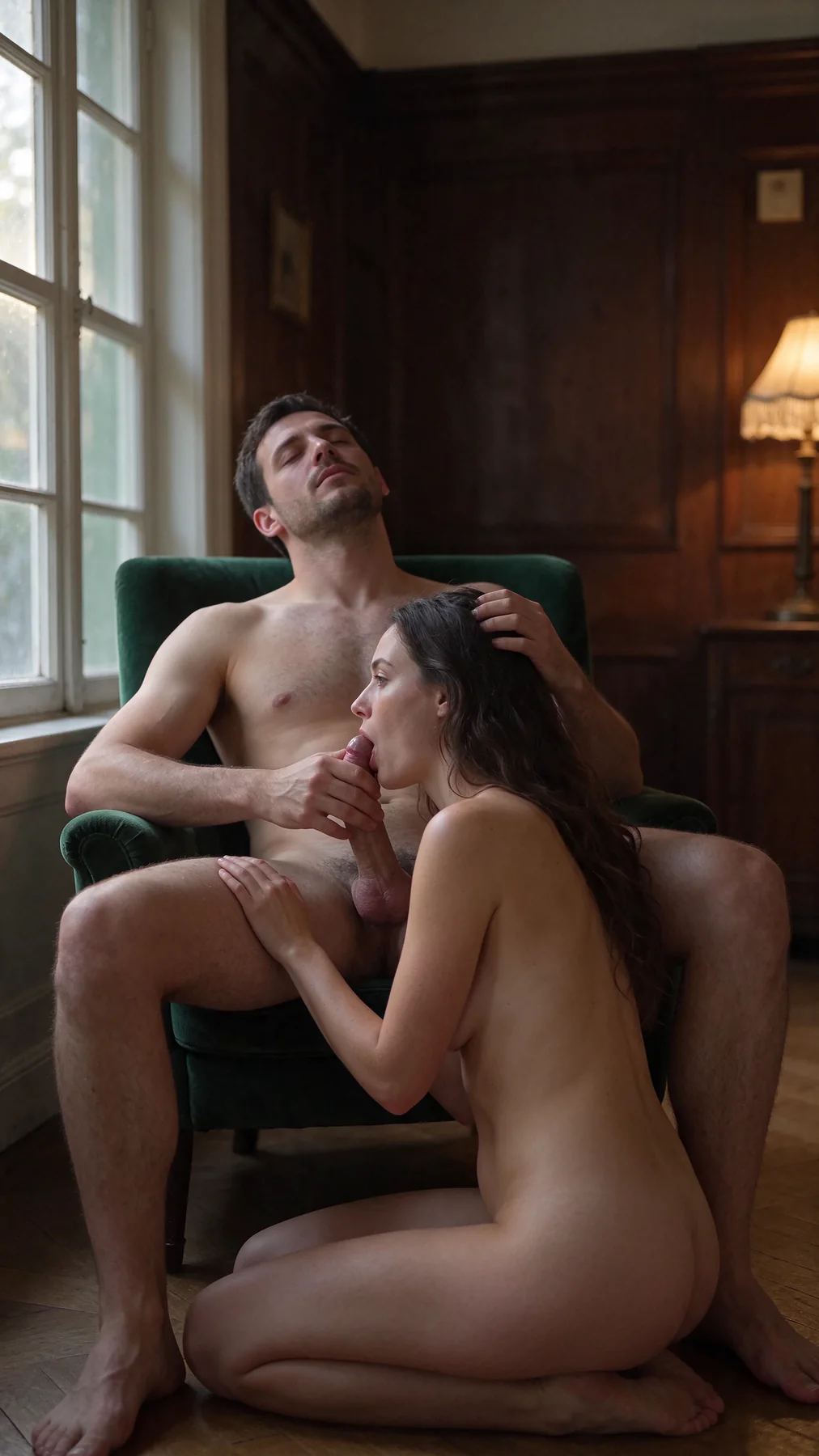
Continue the oral scene
Continue from the uploaded clip: she stays kneeling between his legs and keeps going, his hand on the back of her head, same room and same light, camera locked off.
What to checkCompare hair, hands and the lamp glow against the source frame.
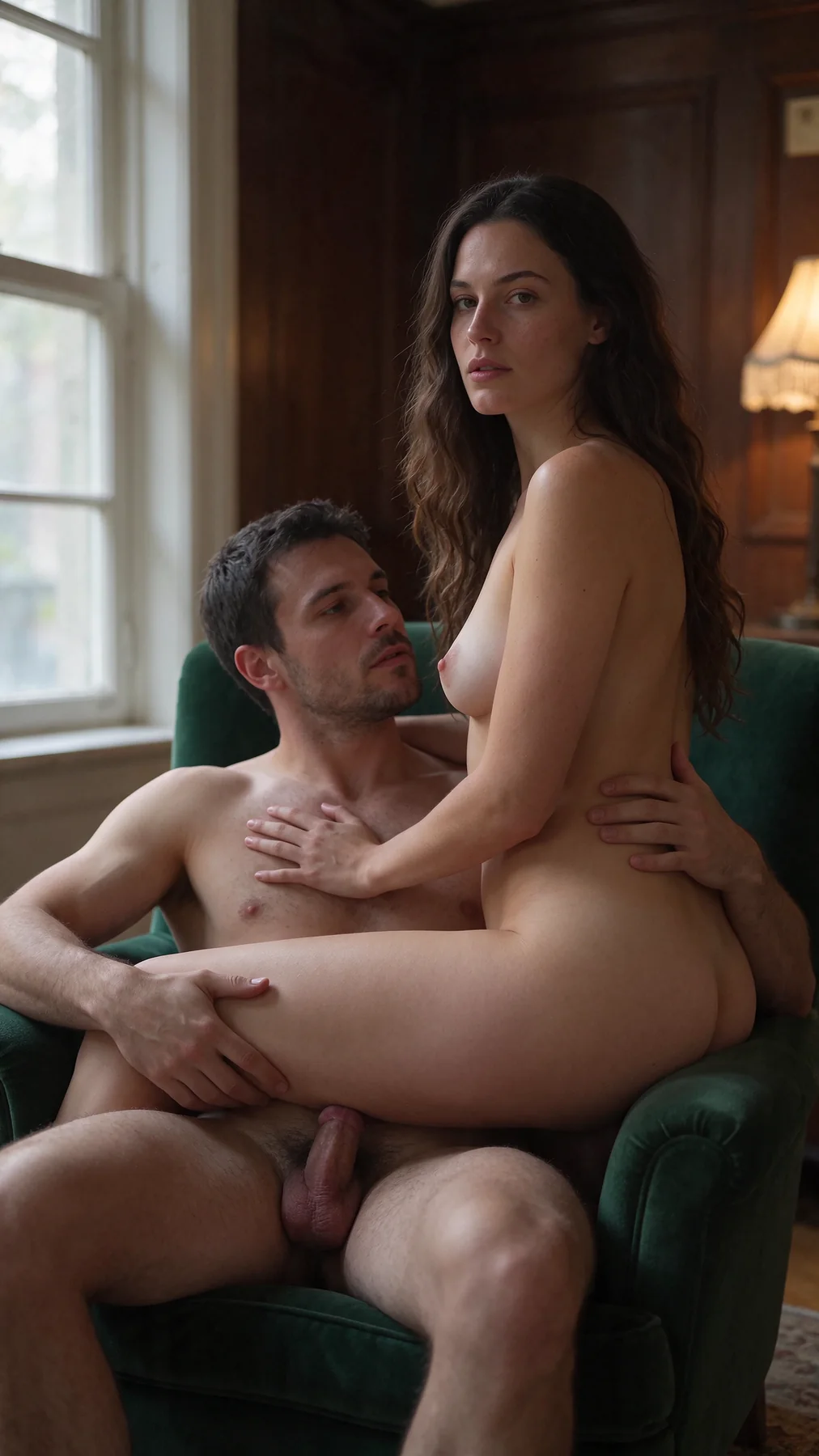
Continue onto the chair
Continue from the clip: he lifts her onto the green chair and she rides him facing the camera, same room and light, camera fixed on the chair.
What to checkWatch the join at the hips and whether the chair legs stay still.
What our own runs showed
Extending is a second paid run, not a free continuation.
- Base clip, 4s 480p
- One 4-second 480p clip on Wan 3.0, 554×740 output, 2–3.3 MB file
- Extension run
- priced as a second generation, quoted before it starts
- Drift over eight seconds
- noticeably higher than over four; faces soften first
- What we do instead
- generate two separate four-second beats and cut them, rather than one eight-second run
- Judge the first four seconds at full size before paying for the extension.
- If the first clip already drifts, extending it makes the drift longer, not better.
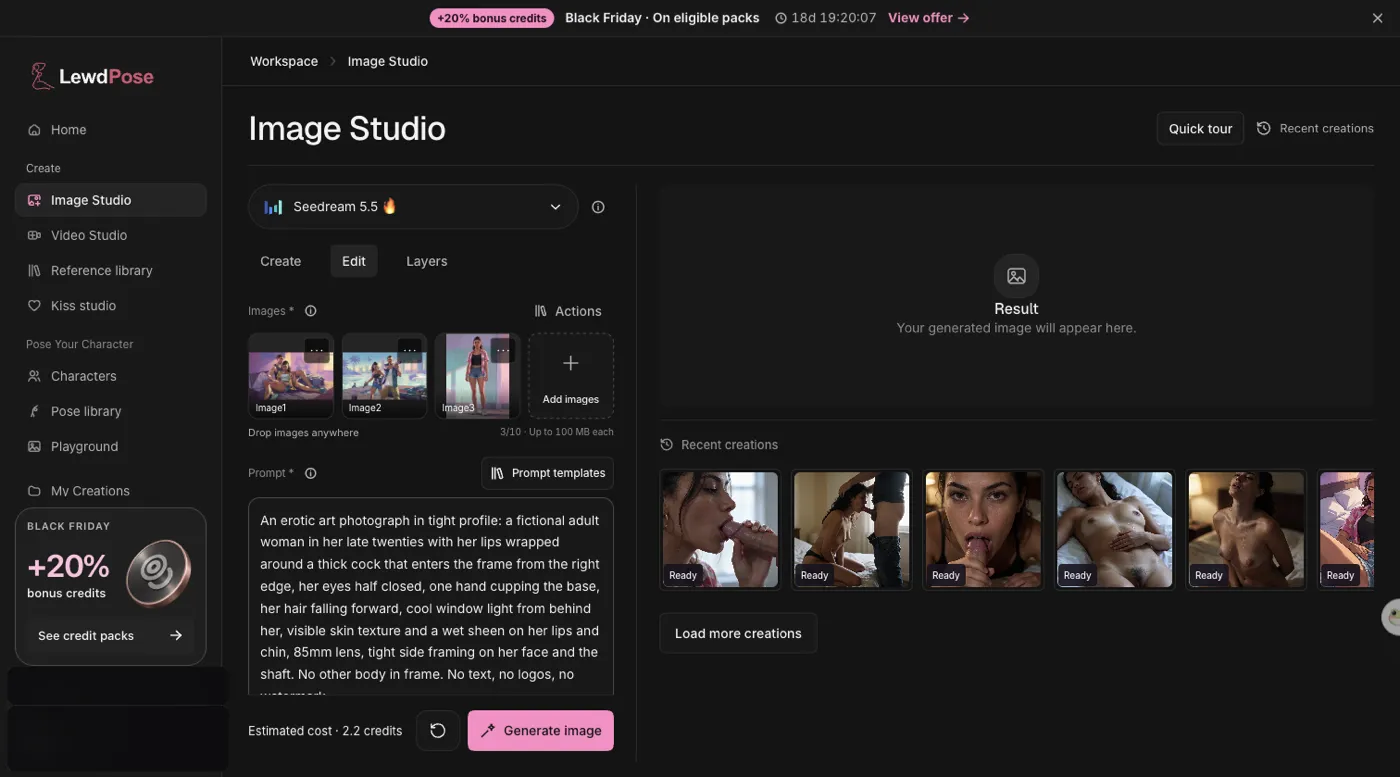
Measured in the LewdPose studio on 2026-11-26.
Common questions
Short answers about cost, inputs and what to do when a result looks off.
Read the safety policyWhat kind of file can I extend?
Choose a finished video from your account. The Continue a clip workflow accepts eligible videos between two and ten seconds long.
Will the new part look exactly like the original?
The continuation starts from your clip, so character, outfit and light usually carry over, but faces, hands and background details can drift. Compare the join frame by frame before you rely on it.
Can I extend an image or someone else’s video?
Choose a finished clip from your account featuring fictional adults. To start with a still image, use the image-to-video workflow.
How long can each continuation be?
Length depends on the model and its settings. Extending in shorter steps is easier to review and cheaper to retry than one long continuation.
How many credits does an extension cost?
Each continuation is a separate generation with its own quote. The studio shows the price for the selected model, resolution and length before you submit.
Try the ai video extender
Pick your settings in the studio. You see the credit quote before anything renders.
Price a run before you sign up
A 1k still costs about 2.2 credits in our studio. Pick a batch size to see the cost at current pack prices.
- Credits
- 8.8
- Smallest pack that covers it
- 15 credits — $1.99
- Effective price per still
- $0.29
Estimates use the Seedream 5.5 1k quote and current pack prices. Other models, sizes and clips cost more; the studio shows the exact quote before anything renders, and failed runs are not charged.