18+ · Adults only
Uncensored AI image to video generator
Start with a still of a fictional adult. Use a motion prompt to direct what happens next while keeping the opening image’s shape.
- Free sign-in
- Credit quote before you generate
- Failed renders refunded
How it works
3 steps from a blank page to a first result.
Choose the first frame
Open Video Studio and choose an eligible still from your LewdPose images. If the source picker offers a built-in image, you can use it to try the workflow.
Write one action and a camera direction
Describe what moves and where it ends. Say whether the camera holds or moves. Start with one action so you can judge the result.
Review the settings and generate
Check the duration, resolution and credit quote. The opening image sets the frame shape. Play the result and compare it with your still.
Example briefs
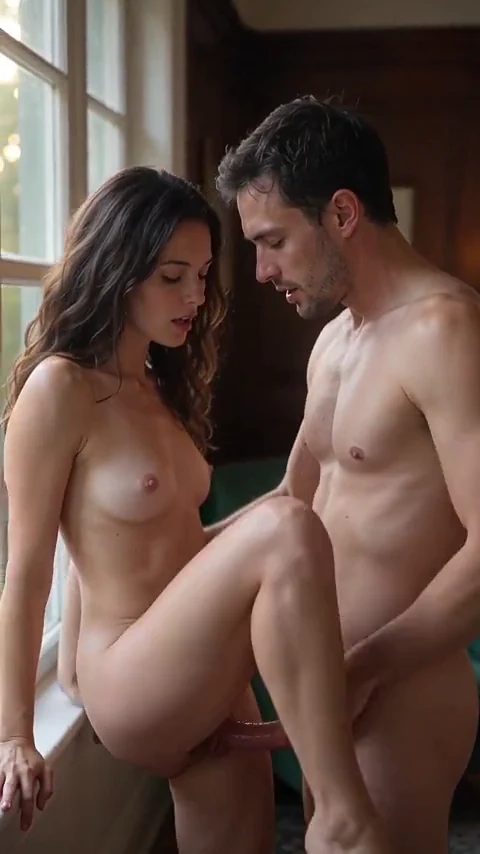
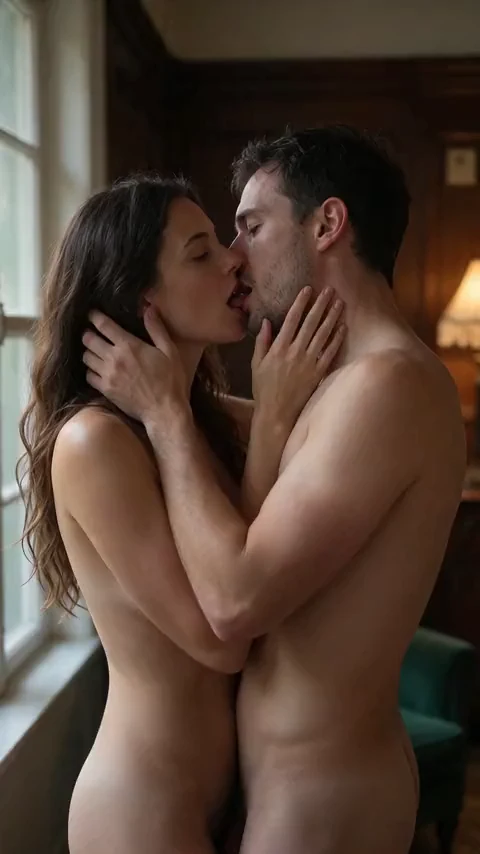
The still is the first frame extracted from the video beside it. Play the clip to compare the opening frame with the motion that follows.
Still · 9:16Prompts to try
Copy one, paste it into the studio, then change a single detail at a time.
Try a small turn with your own first frame
Hold the opening composition. The subject turns their head slightly toward the camera, pauses, and holds the new position. Keep the camera fixed and the lighting steady.
What to checkUse a starting image with room in the direction of the turn.
What our own runs showed
Video runs are the expensive ones, so the order you spend them in matters more than the prompt.
- One 4-second 480p clip
- One 4-second 480p clip on Wan 3.0, 554×740 output, 2–3.3 MB file
- Wall-clock per clip
- roughly 1.5–2 minutes
- First-frame dependency
- a still that already fails the thumbnail test will fail in motion too
- Extending a clip
- costs another run; judge the first four seconds before paying for eight
- Animate only frames you have already approved as stills.
- Two bodies drift faster than one in motion; keep clips short when there are two.
Measured in the LewdPose studio on 2026-11-25 and 2026-11-26, Wan 3.0 at 480p.
Common questions
Short answers about cost, inputs and what to do when a result looks off.
Read the safety policyWhat should move in an image to video clip?
One thing. A head turn, a step, a hand lifting. Two movements compete for the same seconds and the second one usually breaks, especially where hands meet the body.
Which frame shape should I start from?
The shape you will publish in. The clip inherits the proportions of the still you start from, so a landscape still stays landscape; cropping afterwards throws away the resolution you paid for.
How long should the clip be?
Long enough for one beat and short enough to review: a few seconds on most models. Extend in a second step if the scene needs more, rather than asking for one long take.
How is this different from a motion preset?
Your motion prompt directs this clip. For a fixed move such as Hip dance or Slow sway, choose a preset in Motion transfer.
Can I upload a photo from my phone?
This workflow starts with an eligible LewdPose still or a built-in image offered in the source picker. It is designed for fictional adults.
Can I change the frame shape?
The output follows the shape of your first frame. Pick a taller or wider still before generating to change the shape.
What if the face or outfit changes?
A starting image gives the video its opening appearance. Features can drift during movement. Try a smaller action and inspect the clip from beginning to end.
Try the video from a first frame
Pick your settings in the studio. You see the credit quote before anything renders.
Price a run before you sign up
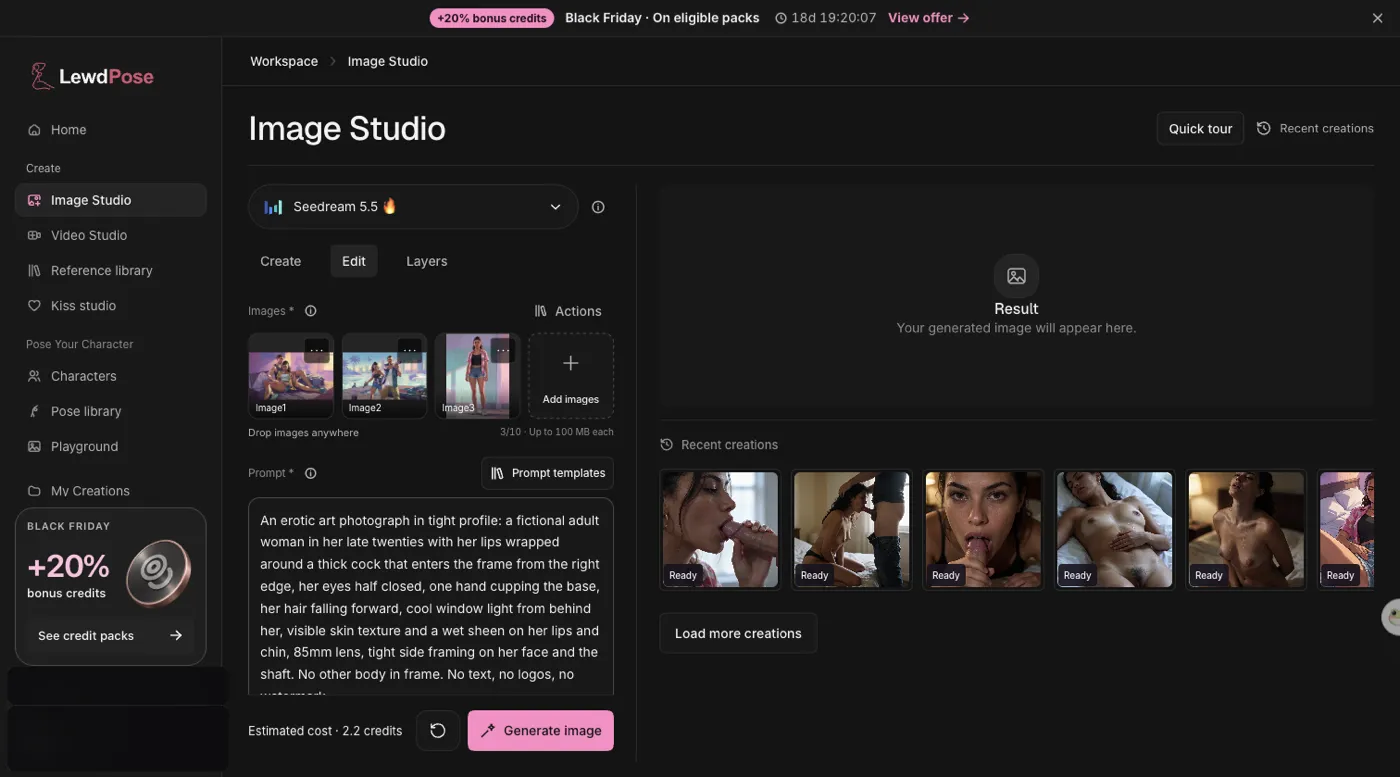
A 1k still costs about 2.2 credits in our studio. Pick a batch size to see the cost at current pack prices.
- Credits
- 8.8
- Smallest pack that covers it
- 15 credits — $1.99
- Effective price per still
- $0.29
Estimates use the Seedream 5.5 1k quote and current pack prices. Other models, sizes and clips cost more; the studio shows the exact quote before anything renders, and failed runs are not charged.